
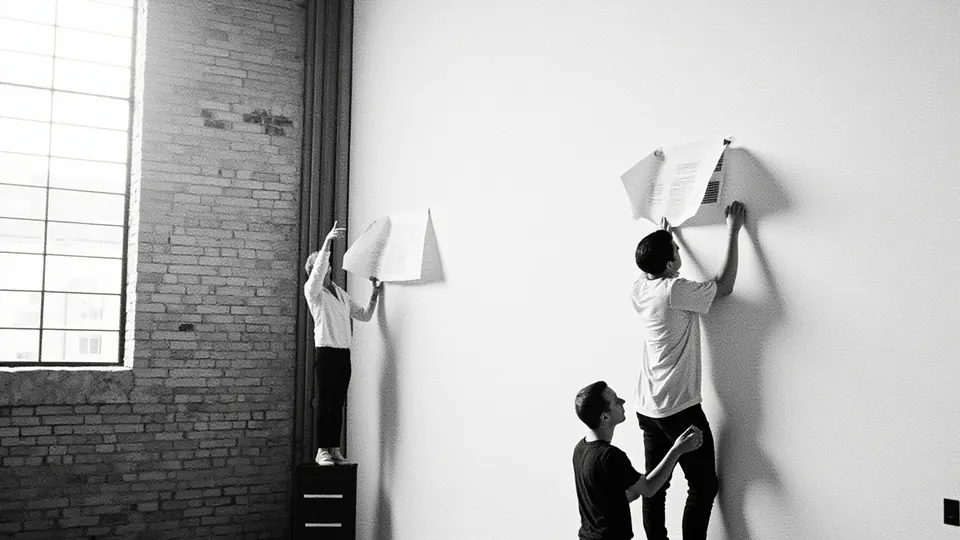
How it works
Upload once
Add pictures and videos to your workspace's library.
Use anywhere
Pick from the library in any project's prompt box.
Replace in place
Swap a picture without asking for a rebuild.
Upload once, use anywhere
The media library holds every picture and video your workspace has uploaded. Drop files onto it or choose Upload, and they go straight to storage with a progress bar. Filter by pictures or videos to find what you need.
To use an item on a site, copy its link and paste it into any project's prompt box with what you want, such as use this photo in the opening, or add this video under the menu. Because the library belongs to the workspace, the same photo of your shop can appear on your main site and on a seasonal one without uploading it twice.
Pictures can be JPEG, PNG or WebP, up to 25 MB each. Videos can be MP4 or WebM, up to 250 MB and five minutes long.
Replace a picture without using credits
Each project has its own media view: every picture and video the site shows, as it was last published. Pick one, choose Replace, then choose an item from your library. The site is published again with it, no credits are used, and the swap can be undone from Versions like any other change.
If the item you choose is already on the site elsewhere, the studio tells you it will show twice, so you can choose another.
It is the quickest way to keep a site current: this season's menu photo, a new team picture, a fresh view of the shop front.
Videos, storage and limits
Briks never makes videos. A video is stored as you uploaded it, with a poster frame taken from its first second, and it is not converted, so the file you upload is the file your visitors receive. Keep videos short and compressed for phones.
Storage grows with your plan: 500 MB on Free, 5 GB on Starter, 10 GB on Pro, 25 GB on Studio and 100 GB on Agency. It covers the library and, for each site, its files, pictures, database and backups.
Uploads are shared within one workspace. A second workspace, such as one you keep for a client, has its own library.
Getting the most from your pictures
Photographs of your own place, your team and your work tell visitors more than any stock picture. Upload them once and they are ready for every site in the workspace, from your main site to a page for a one-off event.
When you ask for a picture in the prompt box, say where it should go and what it shows: the shop front for the opening, the team photo on the About page. Clear words help the builder place it well, and the link tells it exactly which picture you mean.
Media library in practice
Three example businesses, and how each would use it. Where a site is pictured, it is a sample Briks built for an example business, not a customer.
- 01Yoga studio
A new teacher's portrait on two sites
A yoga studio runs its main site and a retreat site in one workspace. It uploads a new teacher's portrait once, then pastes the same link into both projects' prompt boxes with a note about where it should go.
- 02Bakery
This season's loaf
Each autumn a bakery photographs its seasonal loaf. The owner uploads the photo, opens the project's media and uses Replace on last season's picture. The site is published again with no credits used.
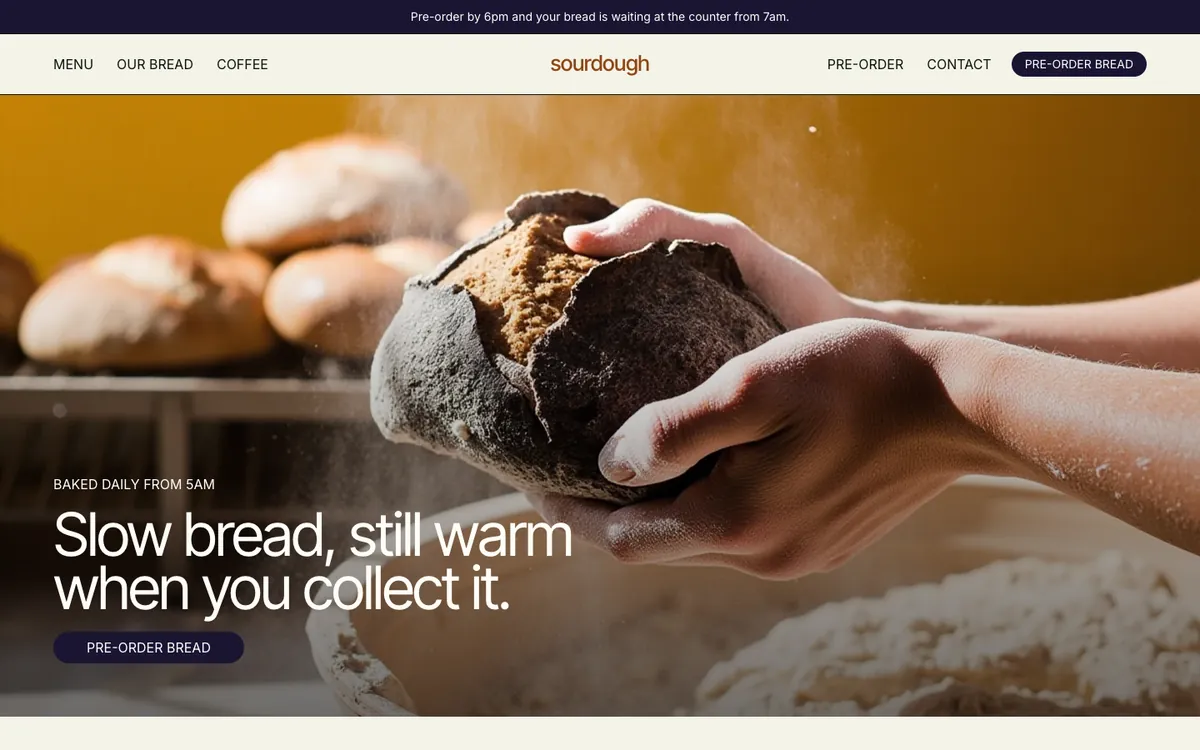
Sourdough is a sample site Briks built for an example bakery and coffee shop, not a customer. Open the sample - 03Candle maker
A short video of a pour
A candle maker films a forty-second clip of wax being poured, saves it as MP4, uploads it, and asks for it on the About page by pasting its link into the prompt box.
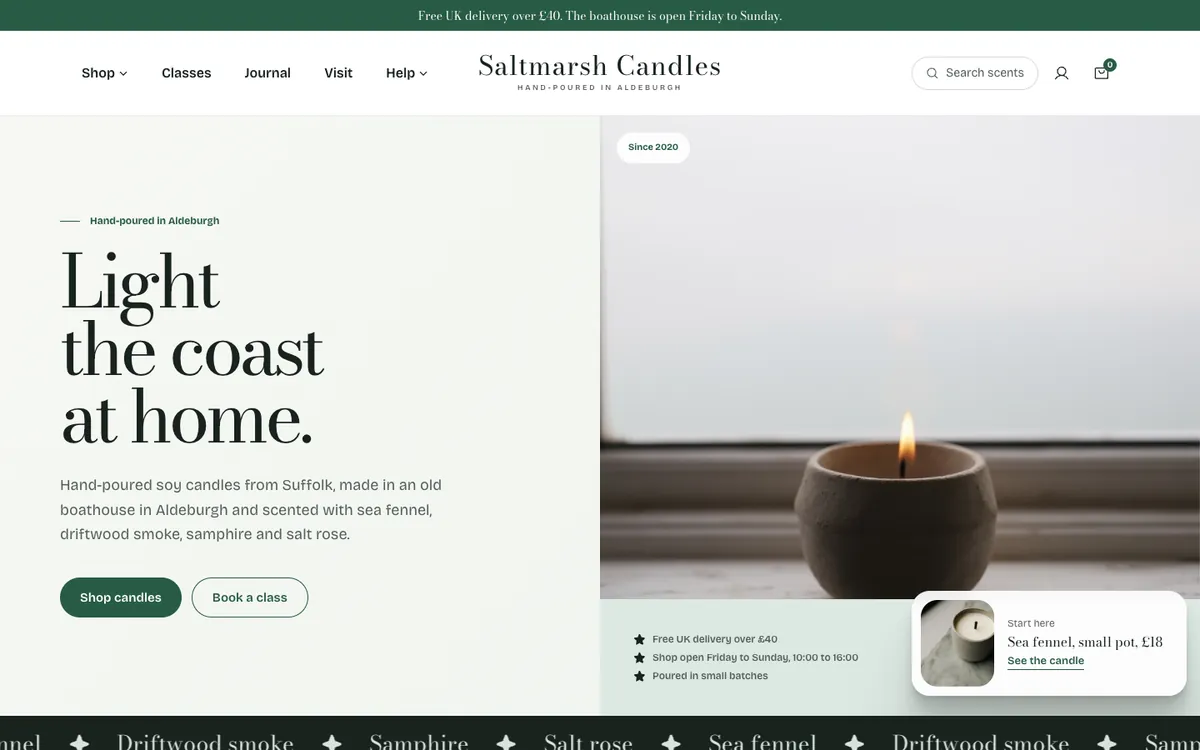
Saltmarsh Candles is a sample site Briks built for an example candle maker, not a customer. Open the sample
What you get
- Pictures and videos for the whole workspace
- JPEG, PNG and WebP up to 25 MB; MP4 and WebM up to 250 MB and five minutes
- Replace a picture on a site with no credits used
- 500 MB on Free, 5 GB on Starter, 10 GB on Pro, 25 GB on Studio, 100 GB on Agency