How it works
Switch it on
Turn the chat on for your site in the studio.
It answers from your pages
Replies come from what your published site says.
It passes on the rest
Questions it cannot answer are emailed to you.
How the chat answers
Switch the chat on in the studio and it appears on your published site. When a visitor asks something, it answers from what your published pages say: your opening hours, your prices, your services, your address. Each time the site publishes, what the chat knows is read again from the new pages, so it never quotes last season's menu.
You choose its tone: friendly, concise or formal. A florist may want friendly; a law firm may want formal.
When it does not know, it says so and offers to pass the question on, instead of guessing. That is the right rule for a small business: a wrong answer about a price or a date costs more than a short wait for yours.
Questions it passes to you
A visitor whose question the chat cannot answer leaves their email address and the question. Briks keeps it in the studio and emails it to you with the conversation that led up to it. Reply to that email, and your answer goes straight to the visitor.
Passed-on questions go to an address you choose from your workspace's verified ones. If you choose none, they go to the person who created the site while they are still in your workspace, and otherwise to the workspace's first Owner, so a visitor's question never reaches someone who has left.
Each visitor can pass on up to five questions an hour, and a site up to 100 a day, which keeps the chat from being used to send mail.
Limits, and what it is not
The chat is off by default and has no plan gate: it is available on every plan, including Free. Each site can hold up to 400 chats a day. After that, the chat says it is resting for today and points visitors to the contact details on your site.
It answers from your published pages, so it is only as good as they are. If visitors keep asking something it cannot answer, add the answer to a page, and the chat knows it after the next publish.
It is not a booking desk or a till, and it cannot change your site. Think of it as a well-briefed receptionist: quick with what is written down, and honest about what is not.
A chat beside your contact form
A contact form waits for you to reply. A chat answers at once when the answer is on your pages, at any hour, and still reaches you when it is not.
The two work well together. The chat handles the quick questions, such as hours, prices and where to park, and your forms take the longer enquiries, each kept in the studio and emailed to you once the site is in production.
A chat on your site in practice
Three example businesses, and how each would use it. Where a site is pictured, it is a sample Briks built for an example business, not a customer.
- 01Bakery
Sunday delivery, asked at 11pm
A visitor asks a bakery's chat late at night whether it delivers on Sundays. The Visit page says Saturdays only, so the chat answers at once. Another asks about a cake for this Saturday; the site says cakes need a week's notice, so the chat says so and offers to pass the question to the team.
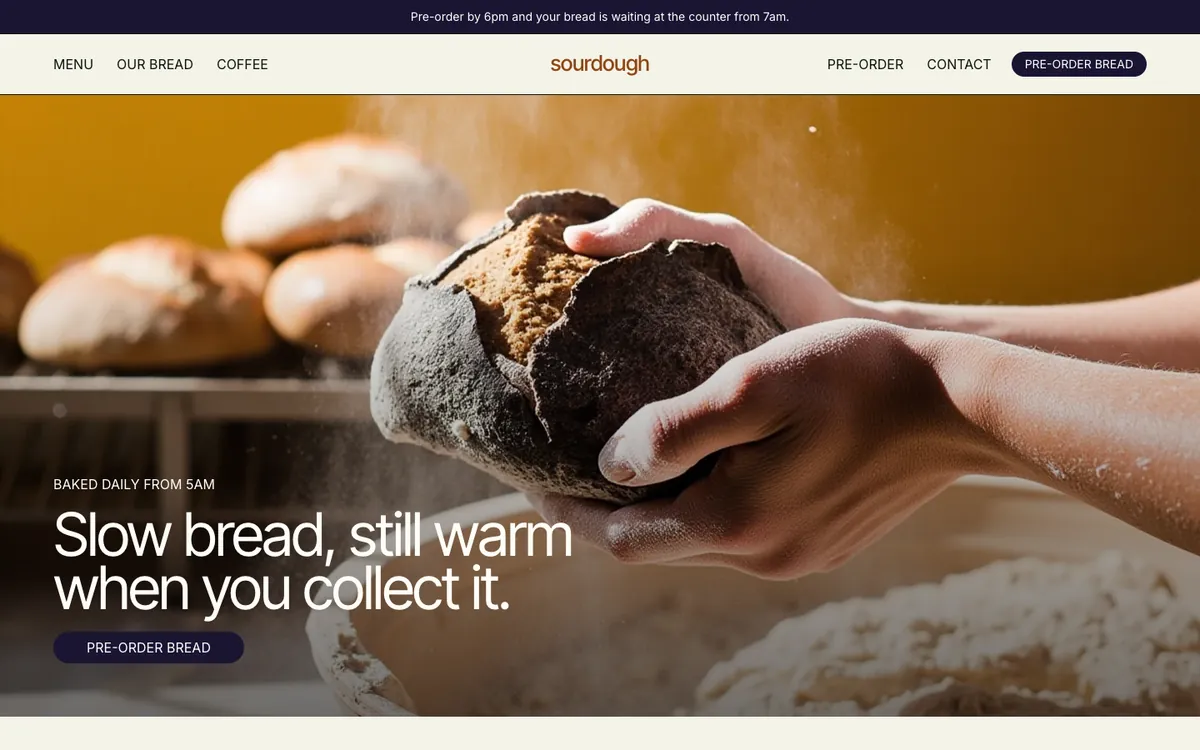
Sourdough is a sample site Briks built for an example bakery and coffee shop, not a customer. Open the sample - 02Bed and breakfast
A question about a dog
A guest asks whether dogs can stay in the garden room. The pages do not say, so the chat takes the guest's email and passes the question on. The owner replies from her inbox and her answer reaches the guest. She then adds a line about dogs to the Rooms page, and after the next publish the chat can answer it.
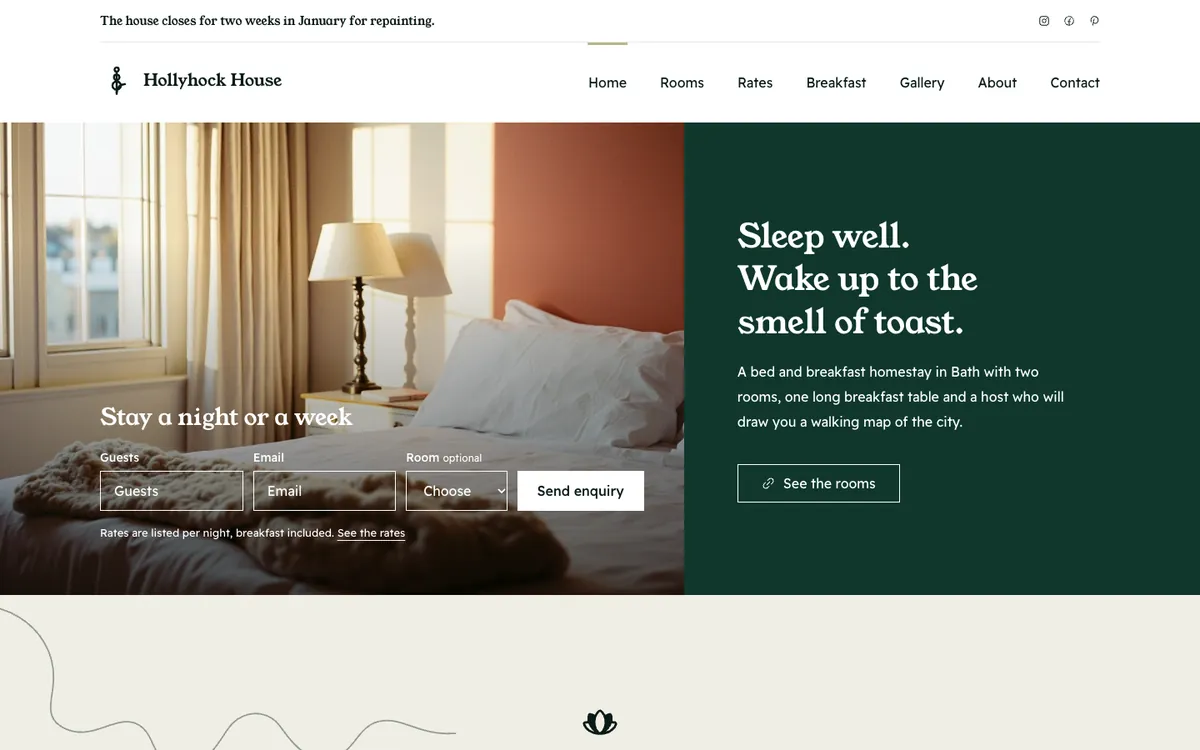
Hollyhock House is a sample site Briks built for an example bed and breakfast, not a customer. Open the sample - 03Law firm
A formal tone for a law firm
A family law firm sets the tone to formal and sends passed-on questions to its enquiries address, which it verified first. The chat answers questions about fees and office hours from the site, and anything the pages do not cover is passed to the firm.
What you get
- Answers from your published pages, read again at every publish
- Friendly, concise or formal
- Hands questions it cannot answer to your email, with the conversation
- No plan gate: available on every plan
- Up to 400 chats a day per site
- Off by default