How it works
Browse the files
Open the files written for your site in the studio.
Edit by hand
Anyone with edit rights can change a file.
Download
On a paid plan, take a published version's code as a zip.
What you can see
In the studio you can browse the files written for your site, version by version, and pick any file to read it. Pictures and other files that are not text are listed and included in the download, and files over a megabyte are too large to show but are in the download as well.
What you see is the code written for your site, not the shared parts every Briks site is built on. Those shared parts are kept apart, which is why the download does not run on its own.
Each saved version keeps its own code, so you can read what your site was, in code, at any version you still have.
Editing by hand
Anyone with edit rights can change a file, add a new one or delete one. Your edits are kept in the tab, each file marked new, edited or deleted, until you choose Save and publish.
Then Briks builds the site with your changes and publishes it, usually within a few minutes. If anything does not build, nothing is published and the live site stays as it is, so a typo cannot take your site down.
You can mix both ways of working: fix a line by hand, then ask for the next change in plain words in the studio chat.
Downloading, and its limits
On a paid plan, download a published version's code as a zip whenever you like: to keep a copy, to review it with a developer, or to reuse parts of it elsewhere.
Be clear on the limit. The zip holds your site's own files, not the shared parts every Briks site runs on, so it does not run on its own, and moving it to other hosting would take a developer's work.
Your content is not locked in. Your words and pictures are yours, and on a paid plan the records in your database can be downloaded as JSON or CSV at any time.
Keeping it in GitHub
On paid plans, connect a GitHub repository to a site. Each version that goes live is committed to the branch you choose, and a push to that branch passes the same safety check as an edit by hand, then is built and published.
Only your site's own files go to the repository, never the shared parts every Briks site runs on, its settings or its keys, so the repository does not run on its own either. Up to 20 pushes an hour and 100 a day are published for each site. When a file was changed both in Briks and on GitHub, Briks puts its version on a briks-sync branch for you to merge.
Starting a project from a repository you already have is not available yet.
Who opens the code, and why
Most owners never need to. Changes in plain words cover the everyday: new sections, new words, new pictures. The code is there for the times you want certainty, such as a developer checking how a form sends its entries, or an agency keeping a record of what it delivered.
It also helps when you already work with a developer you trust. They can read the files written for your site, make a precise edit and publish it, while you keep asking for other changes in plain words.
And it keeps the work open to you. Whatever the studio built for your site, you can read for yourself, file by file and version by version.
Your site's code in practice
Three example businesses, and how each would use it. Where a site is pictured, it is a sample Briks built for an example business, not a customer.
- 01Brand studio
A developer's read before launch
A brand studio's developer downloads the zip of the version about to launch and reads through it before the client sees the site. She corrects a phrase by hand in one file, then chooses Save and publish.
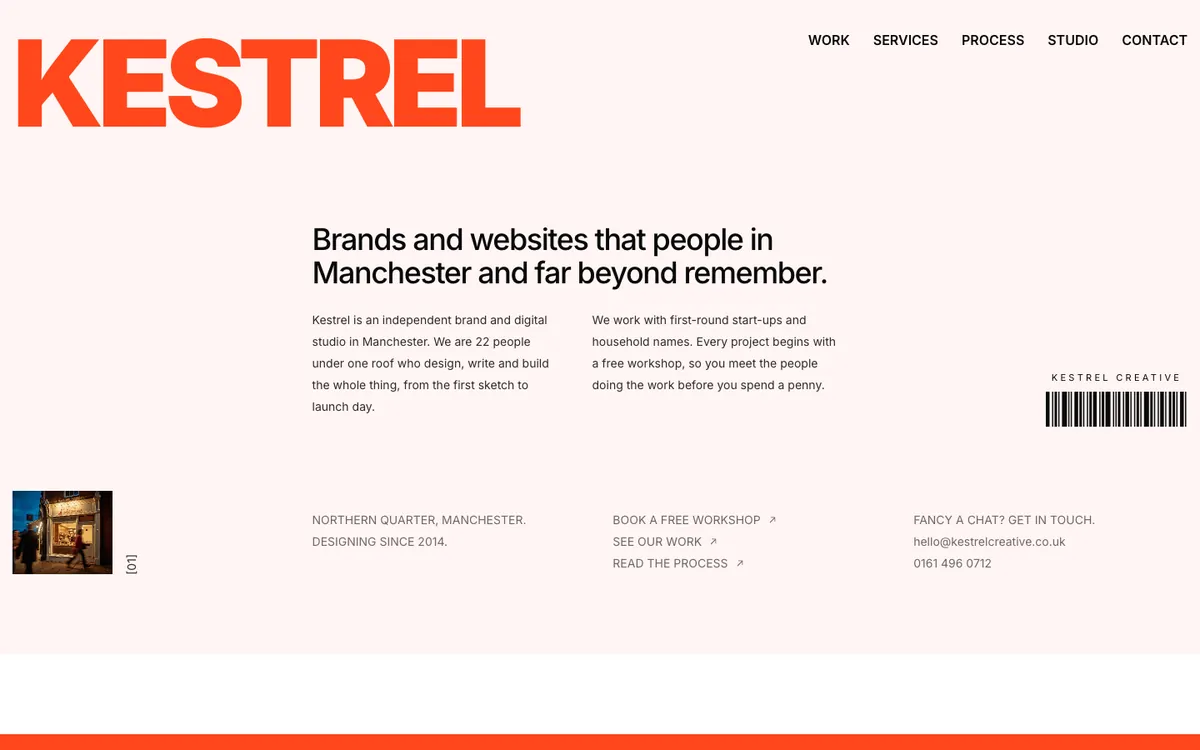
Kestrel Creative is a sample site Briks built for an example brand and digital studio, not a customer. Open the sample - 02Clinic
A one-line fix
A clinic manager who knows a little code changes a phone number in one file by hand and chooses Save and publish. The site is built with the change and goes live within a few minutes. Had the edit broken the build, nothing would have been published.
- 03Web design studio
A record of what was delivered
A web design studio downloads the zip of each client's launch version and files it with the contract, as a record of exactly what was delivered on the day.
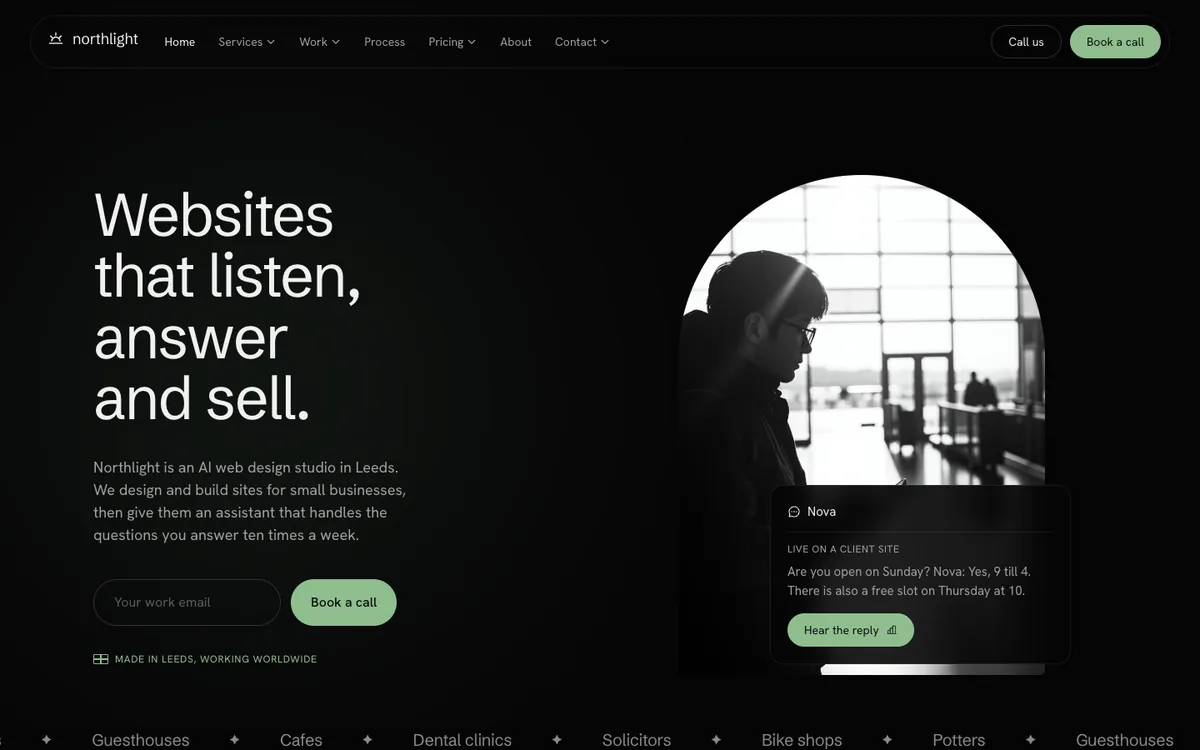
Northlight Studio is a sample site Briks built for an example web design studio, not a customer. Open the sample
What you get
- The files written for your site, readable in the studio
- Edit, add or delete files by hand with edit rights
- Nothing publishes if your edit does not build
- Download any published version as a zip on paid plans
- GitHub sync both ways on paid plans
Good to know
- The zip holds the code written for your site, not the shared parts every Briks site uses, so it does not run on its own.