How it works
Publish your site
Counting starts on its own for every published site.
See what matters
Visitors, pages, sources, goals and visits from AI assistants.
Ask in plain words
100 questions a site each month are free.
What you can see
Open a site's Analytics tab and the headline numbers come first: visitors, page views, visits, bounce rate, visit length, enquiries and conversion rate, each compared with the period before. Below them is a chart of visitors and views, with the days you published marked on it, and notes of your own that you can add.
Then the detail: which pages people read and how far they scroll, where visits start and end, the channels and other sites that sent them, your campaign tags, countries and cities, and devices, browsers and systems. Enquiries, clicks on key buttons and files downloaded are counted too, along with broken links visitors reached and how fast your pages load for them.
Ranges run from today to all time, or any dates you choose. Every view can be filtered, and on a paid plan downloaded as a spreadsheet.
Ask about your visits in plain words
Type a question on the Analytics tab or in the studio chat, such as how many people came from Google last month or which page brings the most enquiries. The answer gives the figure, the period and a link to the exact view. A site's first 100 questions each month are free; after that, each is paid in credits at what it cost.
Every number in an answer comes from your site's own figures, checked before you see it, and anything Briks does not measure is said plainly instead of guessed. A Viewer can ask the free questions; questions past them need someone who can spend credits.
Goals and steps to an enquiry
Enquiries from forms, calls, emails and chat questions count as a goal from the start. Add up to 20 more by picking from what your site has, never by typing code: a page visited, a button pressed, a form sent, a file downloaded, or a link to another site such as a booking page. Every view can then be read for one goal.
Steps to an enquiry follow 2 to 6 pages or goals in order within one visit, and show how many visits reached each step. Briks suggests the first steps from your site's own pages, and any step opens as a filter.
On a site that takes payments or has sign-in for its visitors, Money and members shows paid orders and revenue, and new members, beside where those visits came from.
Where visitors stop reading, and where forms are left
Because Briks built every page, it knows each page's sections. How far visitors read shows the share of visits that reached each section in order, so you can see whether people ever get to your prices. What visitors press lists every link and button pressed, by its words and its section, and presses on things that go nowhere.
Where forms are left shows, for each form, how many visitors saw it, began it and sent it, and which fields stopped people most. It never shows what anyone typed. These need the newest counting on the site, which arrives with its next publish.
Visits from AI assistants
Visits sent by AI assistants such as ChatGPT, Perplexity, Gemini and Copilot are counted as their own channel, apart from search and social, with the pages they landed on and the enquiries they led to. How people find you puts them beside search, social, campaigns and other sites.
The same view counts how often assistants' crawlers read your pages. With the AI search agent on a paid plan, it also shows whether assistants name your business when buyers ask them.
Reports that come to you
Once a site is in production, Briks emails a summary every Monday of the week before: its totals against the week before, enquiries by kind, and the top pages and channels. If visits suddenly stop or jump, a traffic alert is sent too. Both go to the person your site's forms go to, and each email has a link that turns it off without signing in.
To share the numbers with a partner, an accountant or a client, make a read-only link named for who it is for. It opens without a sign-in and is never listed in search. A site can have up to ten, and any of them can be taken back at once.
Analytics tell you what happened, not why. When you want to know whether a change caused a difference, pair them with an A/B test.
Reading the numbers well
Look at weeks, not days. A small site's daily numbers jump about; the comparison with the period before tells you more than any single day.
Watch enquiries and the conversion rate before visitors. Fifty visitors who call are worth more than five hundred who leave, and you can narrow any view to the visitors who enquired, to see which channels and pages brought them.
Analytics without cookies in practice
Three example businesses, and how each would use it. Where a site is pictured, it is a sample Briks built for an example business, not a customer.
- 01Saree store
Which post brought the wedding season visitors
A saree store tags the links in its posts with campaign tags before the wedding season. In the Campaigns list it sees which post sent the most visitors, and under Countries and cities it sees how many came from abroad.
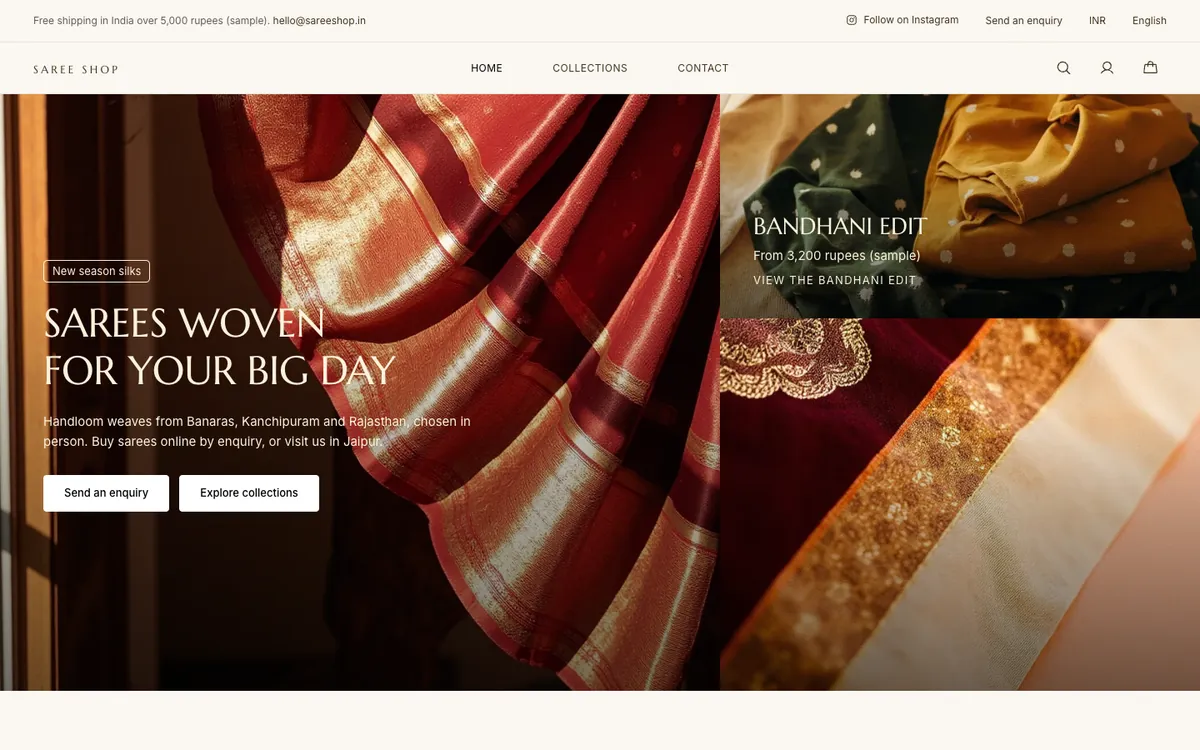
Saree Shop is a sample site Briks built for an example saree store, not a customer. Open the sample - 02Fitness studio
A Monday email for a busy owner
The owner of a fitness studio rarely opens the studio during the week. The Monday email shows last week's visitors against the week before and the enquiries that came in, which is enough to tell whether the new timetable page is working.
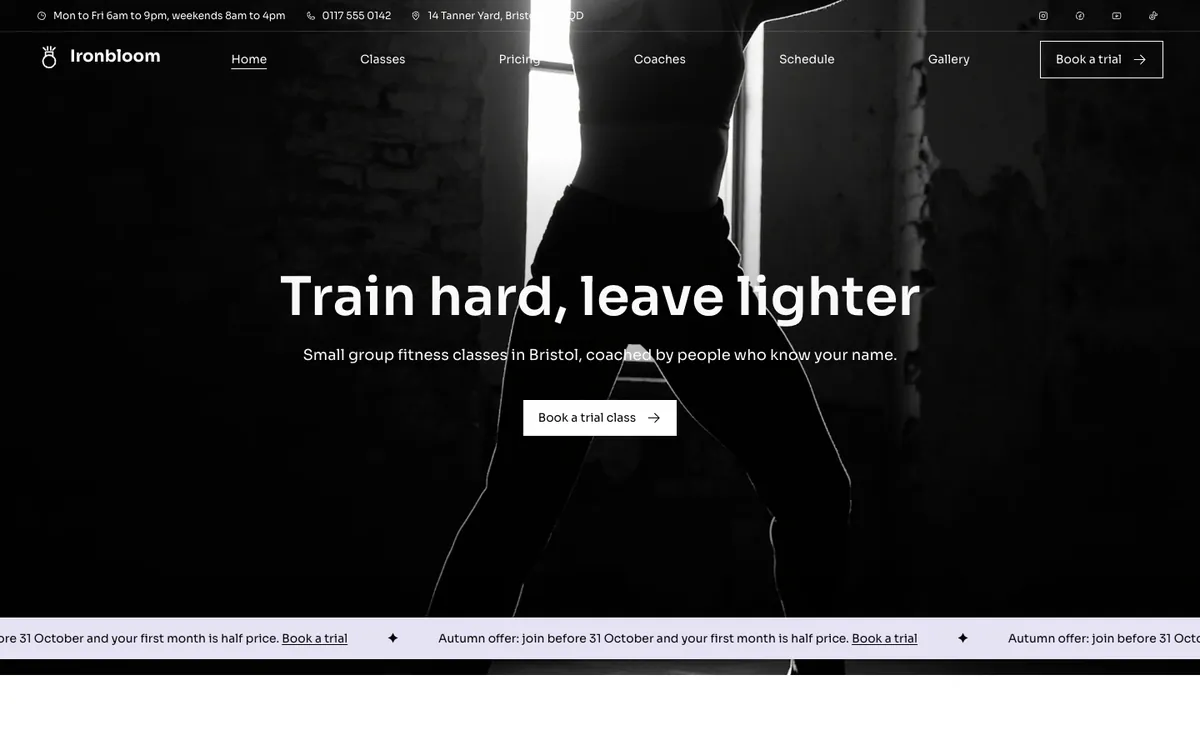
Ironbloom is a sample site Briks built for an example fitness studio, not a customer. Open the sample - 03Brand studio
A read-only link for a client
A brand studio builds a site for a client and makes a read-only analytics link named for them. The client sees the site's numbers without signing in, and the studio takes the link back when the contract ends.
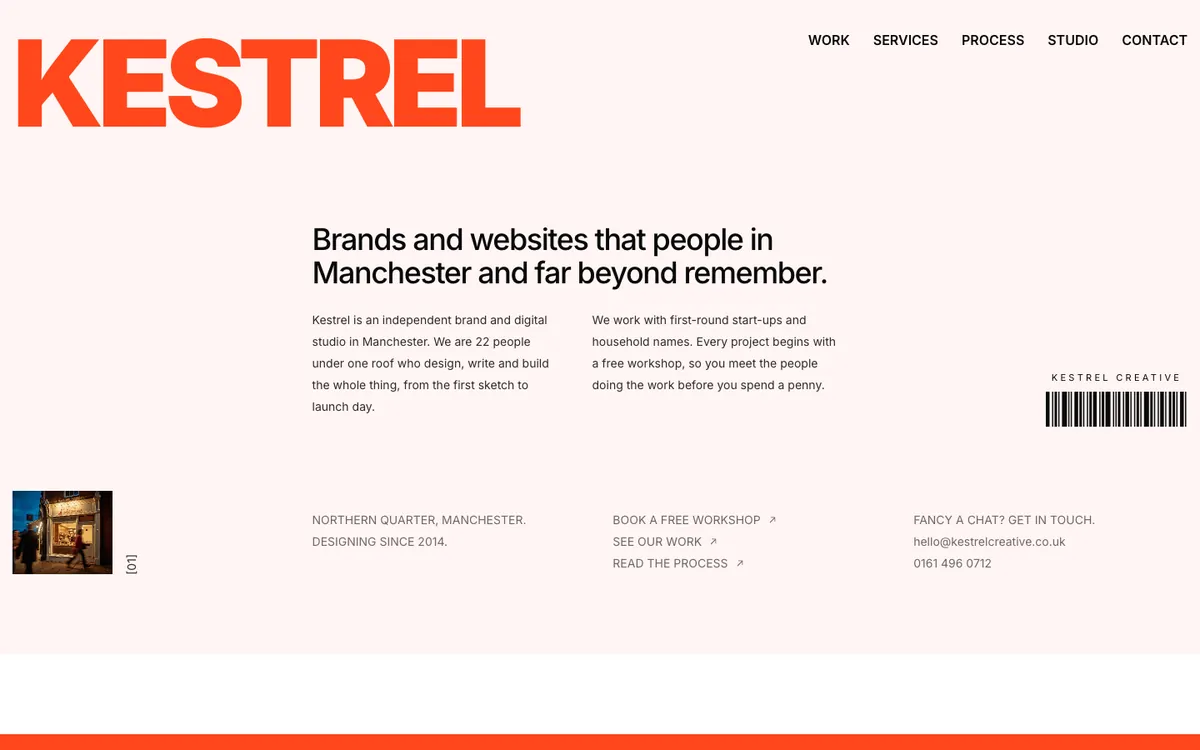
Kestrel Creative is a sample site Briks built for an example brand and digital studio, not a customer. Open the sample
What you get
- Counted without cookies
- Visitors, pages, sources, referrers and UTM tags
- Countries, devices, key buttons, downloads, broken links and page speed
- A live globe of the last five minutes
- Ask about your visits: 100 questions a site each month free
- Up to 20 goals, and steps to an enquiry
- How far visitors read, what they press and where forms are left
- Visits from AI assistants as their own channel
- A Monday email and traffic alerts for sites in production
- On by default, and you can turn it off