How it works
Ask in the chat
Write the change the way you would say it to a person.
It builds it
Briks makes the change and publishes it as a new version.
Undo if you like
Every change is a version, so going back takes one click.
How a change works
Open your site in the studio and write what you want, the way you would say it to a designer: make the header dark, add a section about weddings, change Saturday's hours to 8 till 1. Briks makes the change in the site's code and publishes it. Each change becomes a new version, so the one before is always there to go back to.
If your message is a question rather than a change, such as which pages the site has or which address it is published at, Briks answers it from what your site is now, without starting a build.
To place one of your own pictures, copy its link from your media library and paste it into the message. To swap a picture that is already on the site, use Replace in the project's media instead: the site is published again with it and no credits are used.
What a change costs
A change holds 5 credits while it runs. When it finishes, it is charged for the work it actually took. If that was less than the hold, the rest comes back to your balance. If it was more, the difference is drawn from your balance, so the hold is not a cap. A request that fails is not charged.
Clear requests help you and the builder alike. Name the page and the part of it you mean, say what should change, and say what should stay as it is.
Sending several changes, and stopping one
You do not have to wait for one change to finish before asking for the next. While a build runs, new requests wait in a queue. If a change is already waiting, your new request joins it, so requests that can go together are built once and hold credits once. Up to ten requests can wait on one site.
Each request stays its own message in the conversation and reaches the builder word for word, in the order you sent it. A request still waiting can be taken back until its build starts.
You can also stop a change. One that is still waiting is cancelled at once and costs nothing. One that is running stops before it publishes, the live site stays as it was, and the work done until then is charged. Once a change has published it stands, and you can undo it from Versions.
Changes in plain words in practice
Three example businesses, and how each would use it. Where a site is pictured, it is a sample Briks built for an example business, not a customer.
- 01Bakery
Holiday hours in one sentence
Before Christmas, a bakery owner types: change our opening hours for 24 to 26 December, closed on the 25th. Briks makes the change and publishes it as a new version. In January she asks for the normal hours back, and the version from before the holidays is also one click away in Versions.
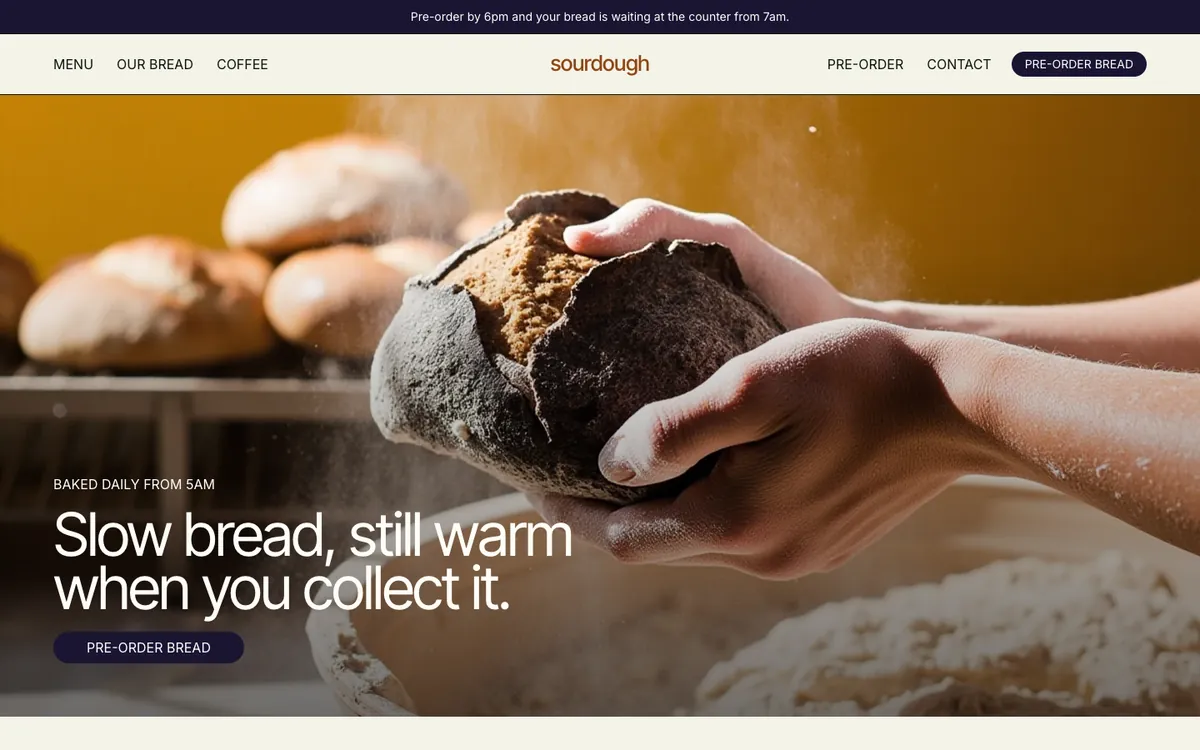
Sourdough is a sample site Briks built for an example bakery and coffee shop, not a customer. Open the sample - 02Yoga studio
Three requests in a row
Between classes, a yoga teacher sends three messages: add a Sunday class, make the timetable easier to read on phones, and use the new photo from the library. The first starts building at once. The other two wait together as one change, so they are built once and hold credits once.
- 03Bed and breakfast
A question, not a change
The owner of a B&B asks which address her site is published at. It is a question, so Briks answers from what the site is now, with its address and its domains, and nothing is built.
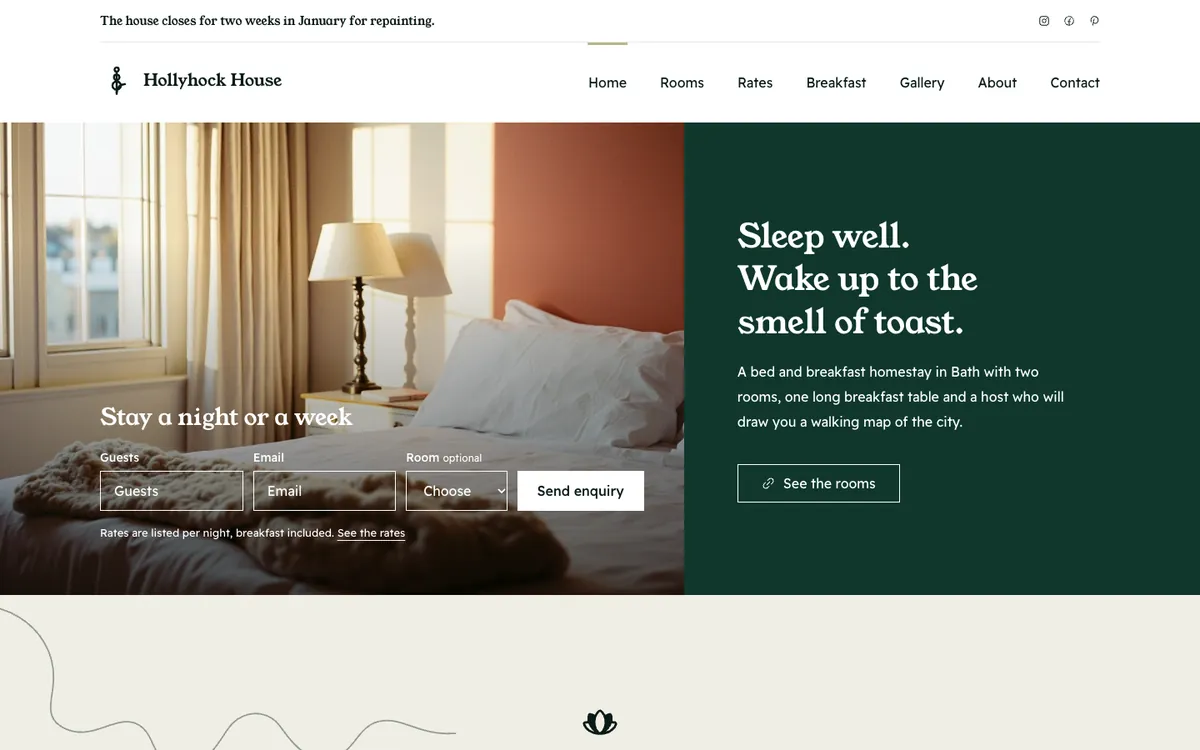
Hollyhock House is a sample site Briks built for an example bed and breakfast, not a customer. Open the sample
What you get
- Changes typed in plain words, built and published
- A change holds 5 credits and is charged for the work it took
- Questions are answered without a build
- Up to ten requests can wait on a site; each can be taken back until it starts
- Every change is saved as a version