How it works
Built with your site
When your site stores data, its database comes with the build.
Edit in the studio
Open the Database tab to view and change records.
Download on a paid plan
A collection as CSV, or everything as JSON.
What goes in the database
Some things on a website change often and come in lists: the breads on a menu, the rooms in a guest house, the projects in a portfolio, the people on a team. When a site keeps things like these, Briks gives it a database of its own and stores them there as records, grouped in collections, rather than writing them into the page's text.
That keeps everyday edits small. In the Database tab you can search a collection, open a record, change a price or a description, and save it. Records can be kept as drafts, which stay off the published site until you are ready.
Owners and Admins can also create a database by hand from the Database tab, for a site that did not need one when it was built.
A site with sign-in for its visitors keeps their accounts there too, and a site that takes payments its orders and subscriptions. The Database tab shows each in its own view: Accounts, Orders and Subscriptions.
Taking your records with you
Your records are yours to take. On a paid plan, download everything as one zip, with each collection as JSON and a description of how it is made up, or download a single collection as a CSV spreadsheet with a column for each field. Exports hold up to 50,000 records per collection; if a collection has more, a note in the zip says so.
Every change can also tell another tool. Add a webhook for the record changed event, and each record added, changed or deleted is sent to the address you give.
Where a database is kept is set when it is made, and its records never leave that place.
Going back in time
The database keeps its own history. Owners and Admins can take it back to any minute within that history, in their own time zone, or to a restore point you named. Save one before a big change, such as "Before the spring menu", and it is easy to find again.
For a longer safety net on a paid plan, switch on nightly copies: a copy of the whole database every night, kept for 30 days and downloadable from Backups. They count towards your plan's storage and are off until you switch them on.
The actions you cannot take back are kept apart, in a danger zone: clearing a collection, and deleting the database, which asks you to type the project's name first.
When a site needs a database
If a part of your site is a list that changes, it belongs in the database: menus, rooms, classes, products, team members, case studies. If it is a paragraph that rarely changes, such as your story on the About page, it can stay as words on the page and be changed in plain words.
Records make small changes quick. Changing a price in the Database tab edits one record; it does not start a build.
Your own database in practice
Three example businesses, and how each would use it. Where a site is pictured, it is a sample Briks built for an example business, not a customer.
- 01Bakery
This week's bread
A bakery keeps its breads in a collection: a name, a price and whether each is on sale. On Friday the owner opens the Database tab, switches the cardamom bun off sale and changes the price of the rye.
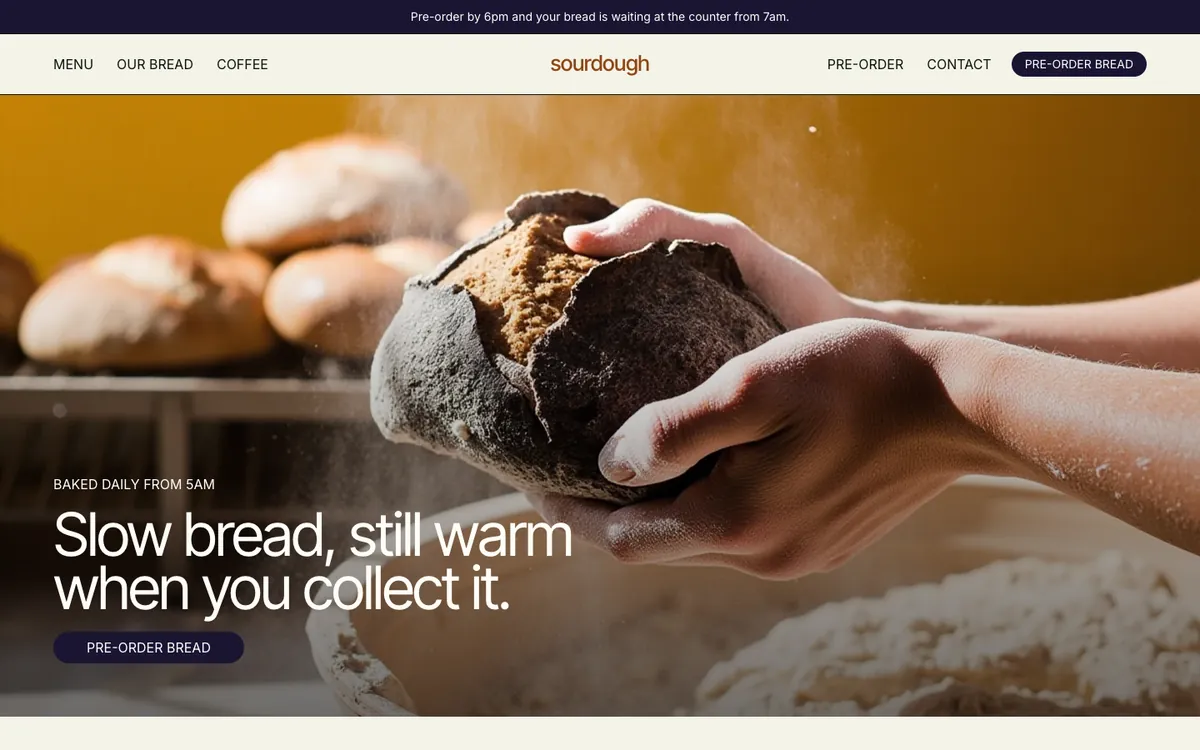
Sourdough is a sample site Briks built for an example bakery and coffee shop, not a customer. Open the sample - 02Bed and breakfast
Rooms as records
A B&B's rooms are records with a name, a description and a nightly price. Before raising prices for the summer, the owner saves a restore point called Before summer prices, so the old prices are one restore away if she changes her mind.
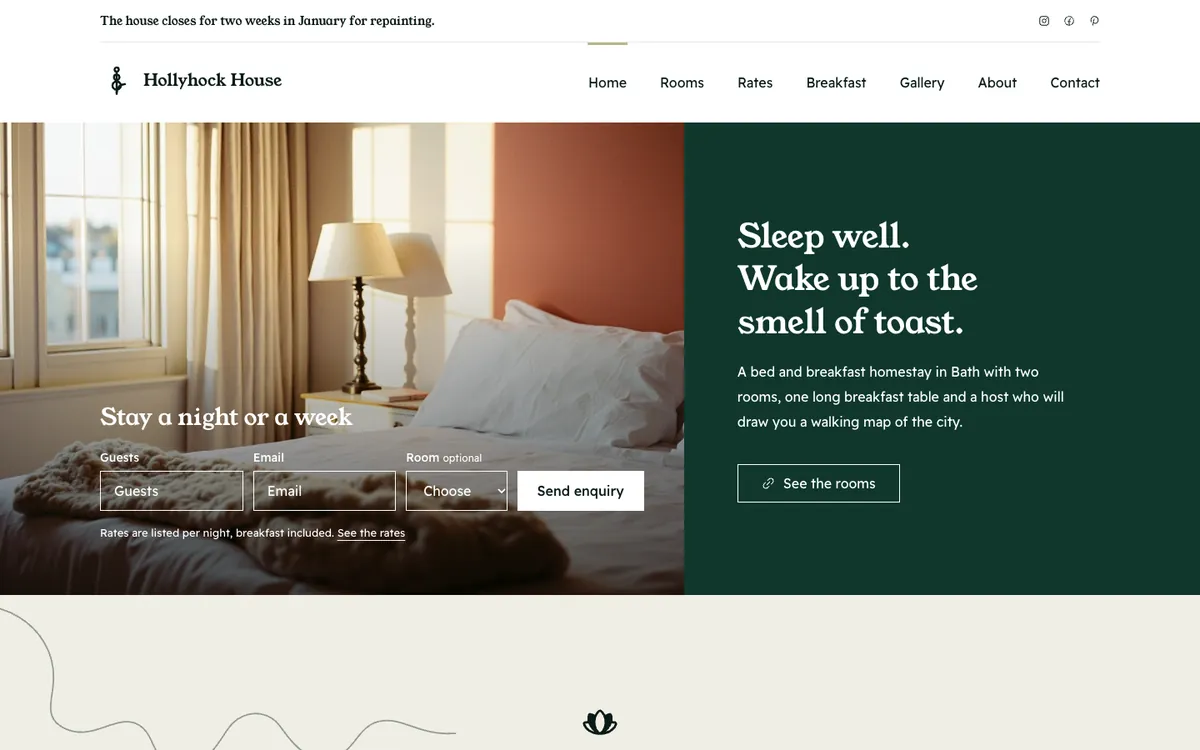
Hollyhock House is a sample site Briks built for an example bed and breakfast, not a customer. Open the sample - 03Web design studio
Case studies kept as drafts
A web design studio keeps its case studies as records, each with a slug, and keeps new ones as drafts until the client signs off. Once a quarter it downloads the collection as CSV for its own archive.
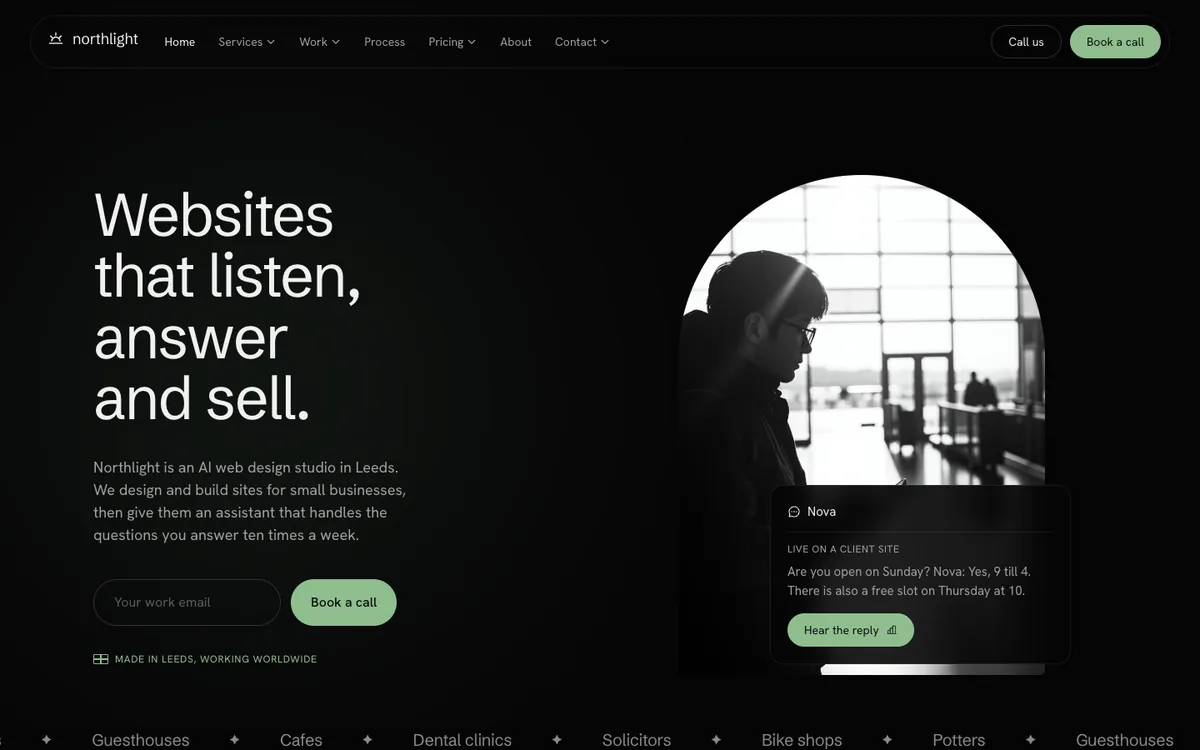
Northlight Studio is a sample site Briks built for an example web design studio, not a customer. Open the sample
What you get
- A database of its own for each site that stores data
- View, search and edit records in the Database tab
- Download as JSON or CSV on paid plans, up to 50,000 records per collection
- Go back to any minute in its history, or to a named restore point
- Owners and admins can also create one by hand