How it works
Pick a format
36 formats on 11 platforms, from an Instagram story to a YouTube thumbnail, or a size of your own.
Make it yours
Describe the post and choose one of three designs, or start from a template or a blank canvas. Then add your photos, words, badges, arrows and icons.
Export or save
Download it at the exact size, or save it to your media library to use in a post.
Every platform's size, and what it covers
Each format is the platform's own size: a 1080 by 1920 story, a 1920 by 1080 YouTube thumbnail, a 1000 by 1500 pin, a 1200 by 630 link card. 36 formats cover Instagram, TikTok, YouTube, Pinterest, Facebook, LinkedIn, X, Threads, Bluesky, Google Business Profile and the card a link shows when it is shared.
Stories, reels and covers have parts the app covers with its own buttons, names and profile photos. The editor shades them, so nothing important sits underneath, and before you export it tells you about any words that do.
One design becomes another format in a click. Copy to another format keeps each part where it is pinned, to an edge, the middle or the full width, so a portrait post becomes a story with its headline still clear of the buttons.
Describe it, choose from three designs
Say what the post is for, such as an open day this Saturday with free tasting, and three designs come back, each in a different template or with a different angle in the words.
They are written from what you asked, what your site says about your business and the facts you keep for your agents, with today's date to work out days like this Saturday. Prices, dates and claims you did not give are never made up. A picture slot takes one of your own photos, chosen by what it shows.
The one you choose opens on the canvas as ordinary layers, so every word, colour and photo is yours to change. Each try uses about 2 credits.
In your brand from the first click
The editor takes your site's colours and typefaces. Colours are kept as your site's roles, such as its accent or its ink, so a design follows if your site's colours change.
Nine templates, a quote, an offer, an event, an announcement, a list of tips, a photo with a headline, a photo beside the words, a big number and a question, are laid out for whatever size you choose, in your colours. Every word is yours to change.
New words, shapes and icons pick a colour from your brand that stands out against the background, so nothing you add disappears into it.
The tools you expect
Add your photos from the media library, or any picture already on one of your sites. Crop by zooming in on the part that matters, fill the canvas, round the corners or make it a circle, add a border, and adjust brightness, contrast, colour, warmth and blur, or turn it grey, sepia or two colours of your brand.
Words come in your site's typefaces, with underline, an outline or a coloured ground behind them. Add rectangles, circles, triangles, polygons, stars and lines, any of 1,512 icons in six weights, or draw by hand. Any layer can have a shadow.
Arrows come in seven styles: straight, curved, a swoop, a loop, a zigzag, hand-drawn and a bounce, each with its own bend, head and tail. Badges come in eight shapes, a starburst, a seal, a circle, a pill, a ribbon, a price tag, a corner banner and a rounded square, with their words sized to fit, ready for 20% off, Sale, New or a price.
No picture is made by AI here: your designs are your own photos, shapes, icons and words.
Arranging, quickly
Layers snap to the canvas, to each other and, if you turn it on, to a grid. Group layers to move and resize them as one, line them up or space them evenly, and drag them up and down the layers list.
Right-click anything for every action with its keyboard shortcut: cut, copy and paste, even between designs, duplicate, bring forward or send back, group, align, flip, lock and hide. Copy one layer's style onto others, or hold Alt as you drag to leave a copy behind.
Every change can be undone, and the design saves itself as you work, so you can close it and carry on later.
Exported at the exact size
Download a design as PNG, JPEG or WebP at the platform's size, or at twice the size for screens that show more detail.
Or save it straight to your media library with a description for people who cannot see it. From there it can go into a post in the Marketing tab, or anywhere else the studio takes a picture.
Designs stay as you left them: open one again to change a date or a price, and save a fresh copy.
Image editor in practice
Three example businesses, and how each would use it. Where a site is pictured, it is a sample Briks built for an example business, not a customer.
- 01Bakery
One open day, every format
A bakery makes an open day post from the offer template in its own colours. Copy to another format turns it into a story for Instagram and a pin for Pinterest, each with the date clear of what the app covers, and all three are saved to the media library.
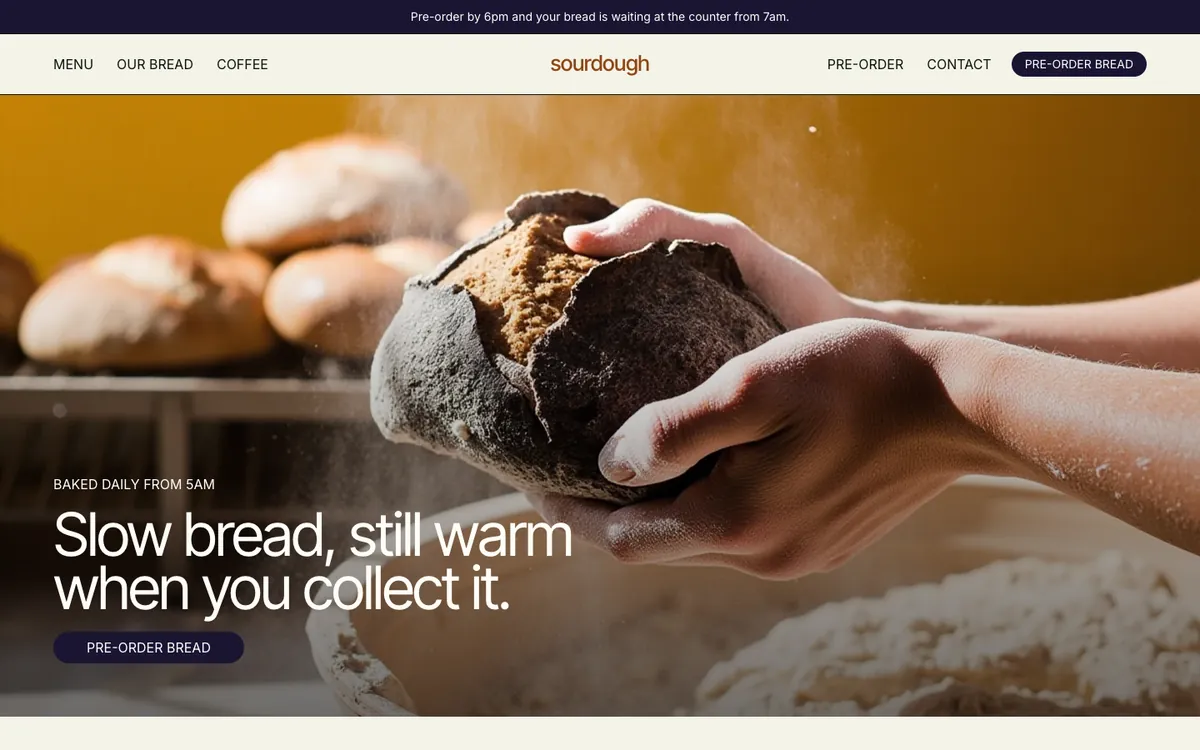
Sourdough is a sample site Briks built for an example bakery and coffee shop, not a customer. Open the sample - 02Fitness studio
Thumbnails that look like a series
A fitness studio posts a video for each class. Its thumbnail is one design with a photo, the class name and a big number for the minutes. Each week the owner duplicates it, swaps the photo and the words, and exports it at 1920 by 1080.
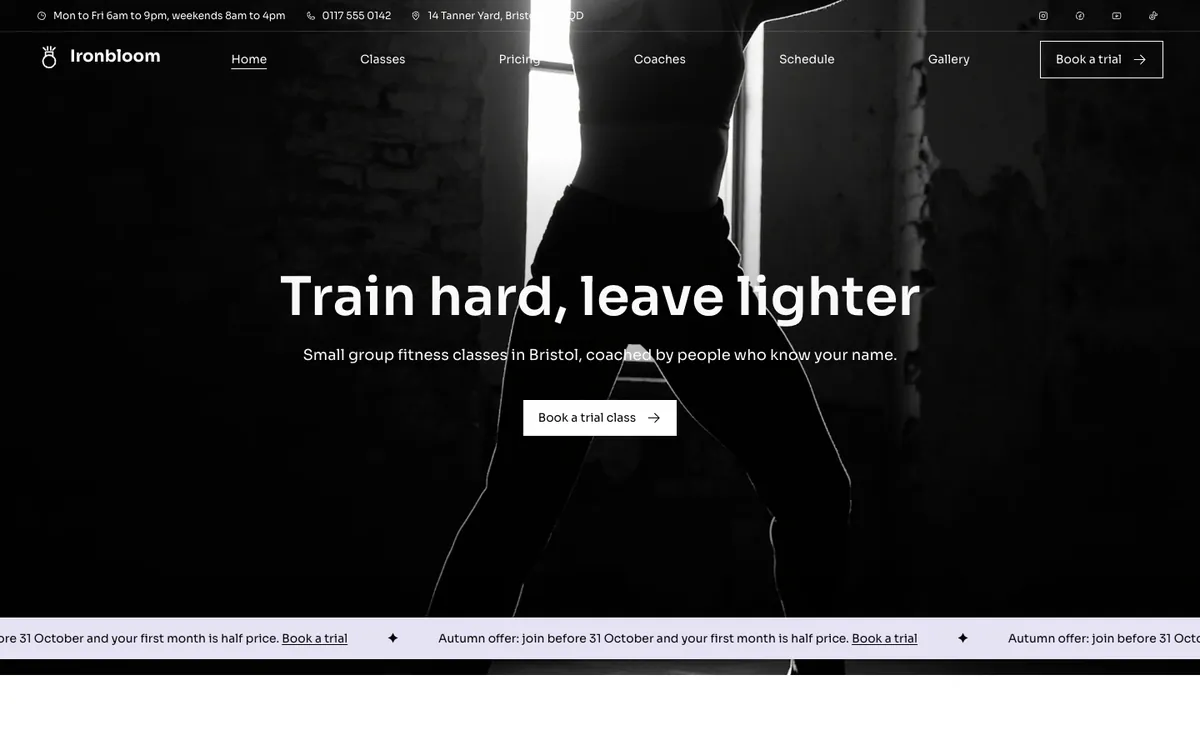
Ironbloom is a sample site Briks built for an example fitness studio, not a customer. Open the sample - 03Pottery studio
Tips for Pinterest
A pottery studio uses the tips list template for a pin about caring for handmade mugs. It adds a photo from its own site, a coffee cup icon and a hand-drawn underline, and exports the pin at 1000 by 1500.
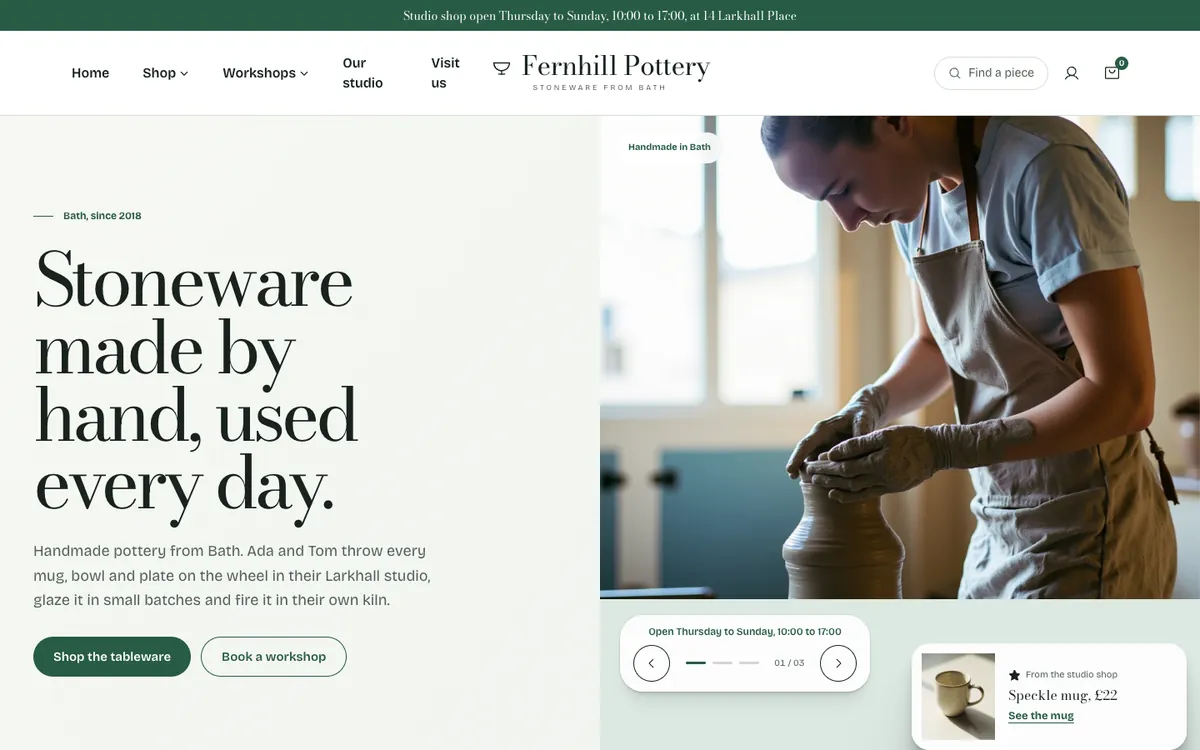
Fernhill Pottery is a sample site Briks built for an example pottery studio, not a customer. Open the sample
What you get
- 36 formats on 11 platforms, each at its exact size
- Covered areas shown for stories, reels and covers
- Three designs from a description, or 9 templates
- 1,512 icons, 7 arrow styles and 8 badge shapes
- Groups, a grid, alignment and a right-click menu
- PNG, JPEG or WebP, or saved to your media library
Good to know
- A workspace keeps up to 1,000 designs.
- Making and exporting designs uses no credits; each Describe it try uses about 2.