How it works
Connect your accounts
Link your X and LinkedIn profiles once. Every project in your workspace can post to them.
Write once, fit each platform
One post gets a version for each platform, with its own words and pictures, counted against that platform's limit.
Schedule, then see what worked
Pick a day and a time, and read the results as visits and enquiries on your site.
One calendar for everything going out
The Marketing tab opens on a calendar of the week or the month. It holds every post for the accounts your workspace has connected: the ones you write and the ones the Social and Marketing agents prepare. Each shows its platform, its time and whether it is a draft, waiting for you, scheduled or published.
Plans change, so the calendar bends. Drag a scheduled post to another day and it moves there at the same time of day. A post that has already gone out stays where it is.
Nothing reaches a platform without your say. A post you write goes out when you schedule it, and anything an agent prepares waits for your approval, in batches.
One post, written for each platform
A caption that works on LinkedIn runs far too long for X. In the composer, one post holds a version for each platform you choose, each with its own words and its own choice of the post's pictures.
Beside each version is a preview of how that platform will show it, with a count against its limit. On X a link counts as 23 characters, as X counts it. Every picture needs alt text, for people who use screen readers, before the post can be scheduled.
Every link to your own site is tagged for your analytics as the post goes out, so a visit from Tuesday's post is counted as one.
Your own pictures, and branded cards from the agents
Posts use your own pictures: the photos in your media library and on your site. When the Social or Marketing agent needs a graphic, such as an offer, an event or a quote, it draws a branded card in your site's own typefaces and colours, sized for the platform.
The agents never put a picture made by AI into a post. If you post one yourself, switch on Made with AI and the post says so where the platform has a label for it.
Accounts and results
Each connected account shows whether it is connected or needs reconnecting. Accounts belong to the workspace: connect a profile once and every project can post to it, within your plan's number of connected accounts.
A copy of every published post is kept in Briks, and removing an account keeps the posts that already went out.
Results lead with what matters to a small business: the visits and enquiries on your site from each platform, each campaign and each post, counted by your site's own analytics.
X and LinkedIn today, more as they approve
Today the Marketing tab posts to X and to LinkedIn personal profiles. The other platforms follow one by one, as each approves Briks and passes our own test post: Bluesky and Mastodon, then Facebook Pages, Instagram, Threads and Google Business Profile, then LinkedIn Pages, TikTok, Pinterest and YouTube. No dates are given.
X charges for every post, so posts to X are paid in credits: about a quarter of a credit for a post, and 3 credits for a post with a link. Each part of a thread counts as a post.
Social media scheduler in practice
Three example businesses, and how each would use it. Where a site is pictured, it is a sample Briks built for an example business, not a customer.
- 01Bakery
Next week, settled before the kettle boils
On Sunday evening a bakery owner opens the calendar on her phone. Monday's bread list on X, Wednesday's catering post on LinkedIn and Saturday's market reminder are ready. She drags the catering post to Thursday, when the trays are actually booked, checks that the market post fits X's length, and the week is set.
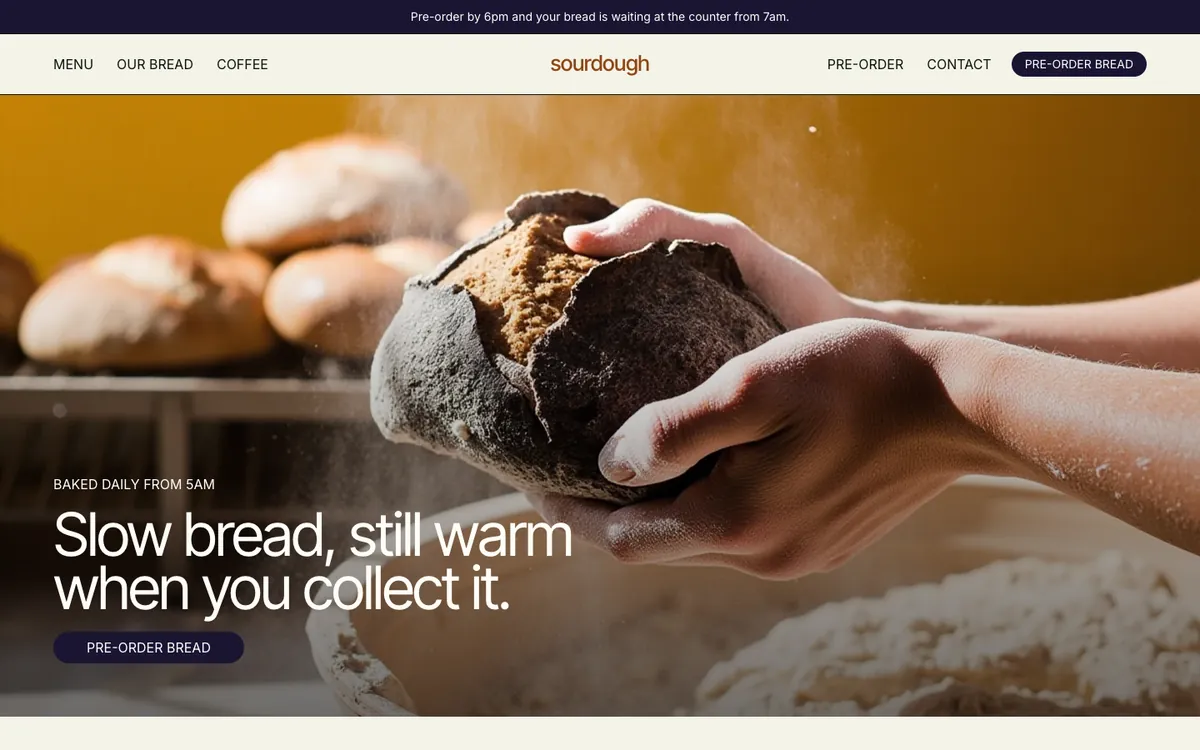
Sourdough is a sample site Briks built for an example bakery and coffee shop, not a customer. Open the sample - 02Fitness studio
Finding the platform that fills classes
A fitness studio posts its new timetable on X and LinkedIn. A month later, Results show that X brought more visits, but LinkedIn brought most of the enquiries about lunchtime classes for office workers. The owner gives her next month's posts to the platform the enquiries came from.
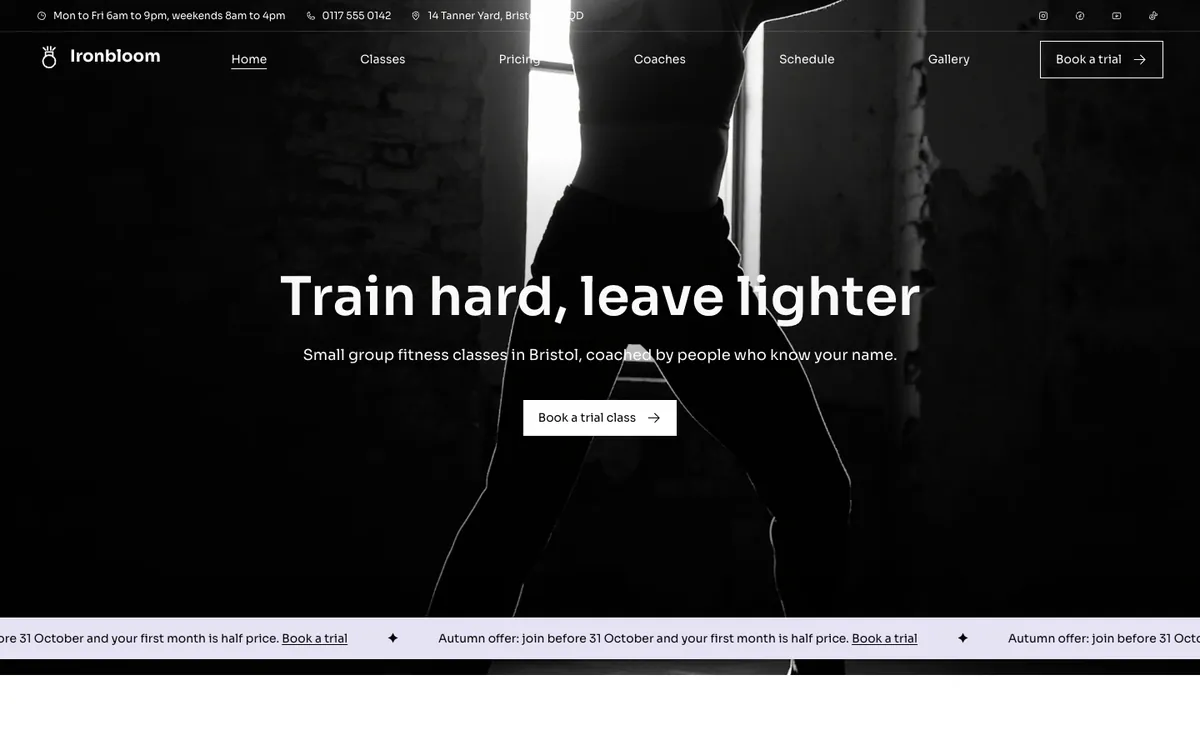
Ironbloom is a sample site Briks built for an example fitness studio, not a customer. Open the sample - 03Consultant
One post, two lengths
A consultant writes a post about a new workshop. Her LinkedIn version has three short paragraphs; her X version is one line and the link, which the composer counts as 23 characters. Both go out on Tuesday morning, and the link in each is tagged, so she sees which one brought the bookings.
What you get
- A week or month calendar of every post
- A version of each post for each platform, with a preview and a length count
- Alt text on every picture before it is scheduled
- Links to your site tagged; results as visits and enquiries
- Connected accounts per project in the plan: 3 on Starter, 5 on Pro, 15 on Studio, 50 on Agency
- X and LinkedIn profiles today
Good to know
- Today it posts to X and LinkedIn personal profiles. Other platforms follow as each approves Briks, so no dates are given.
- No ads: nothing is spent on advertising for you.