How it works
Forms built in
Contact, booking and enquiry forms are part of the build.
Entries kept
Every entry is saved in the studio for your site.
Sent to you
In production, each new entry is emailed to you.
Where entries go
The forms on your site, a contact form, a quote request, an enquiry about a date, send their entries to Briks rather than to a separate form service. Each entry is kept in the studio for that site, newest first, and the studio shows the latest 100.
Once your site is in production, each new entry is also emailed to you, with the page it came from. If the visitor gave an email address, reply to that email and your answer goes straight to them.
While the site is a preview, entries are kept but not emailed, so testing your own forms does not fill your inbox. Emails go to the person who created the site while they are in your workspace, and otherwise to the workspace's first Owner.
Sending entries to other tools
If you want entries somewhere else as well, in a spreadsheet, a client list or a team chat, add a webhook for the form received event. Each new entry is sent to the address you give, signed so the receiving tool can check it came from your site, and retried if that tool is briefly down.
Entries count in your analytics too. Forms sent appear among enquiries, and a form sent counts as a conversion in an A/B test, so you can see which version of a page brings more of them.
Forms are protected from the obvious abuse. A hidden field catches simple bots, which are thanked and nothing is kept, and each visitor can send a few entries every ten minutes.
Limits worth knowing
There is no export of form entries today. If you need them in a spreadsheet or a client list, use the webhook to send each one where you keep records as it arrives.
Forms are part of your site, so you change them like anything else, in plain words. Ask for a phone number field, a choice of dates or a shorter form, and the change is built and published as a version.
If you move a site back to preview, its forms stop emailing at once. Publish it to production again and the emails resume.
Forms that people finish
Every field you add is one more reason to leave. Ask for what you need to reply, a name, a way to reach the person and their question, and leave the rest for the conversation that follows.
Say what happens next beside the button, such as we reply within a day, and ask for it in plain words. Then watch which pages bring enquiries in the Analytics tab, where forms sent are counted among them.
Forms that keep every entry in practice
Three example businesses, and how each would use it. Where a site is pictured, it is a sample Briks built for an example business, not a customer.
- 01Building contractor
Quote requests read on site
A building contractor's quote form asks for the kind of job, the postcode and a phone number. In production, each request is emailed to him on site, with the page it came from, and kept in the studio for the office to read later.
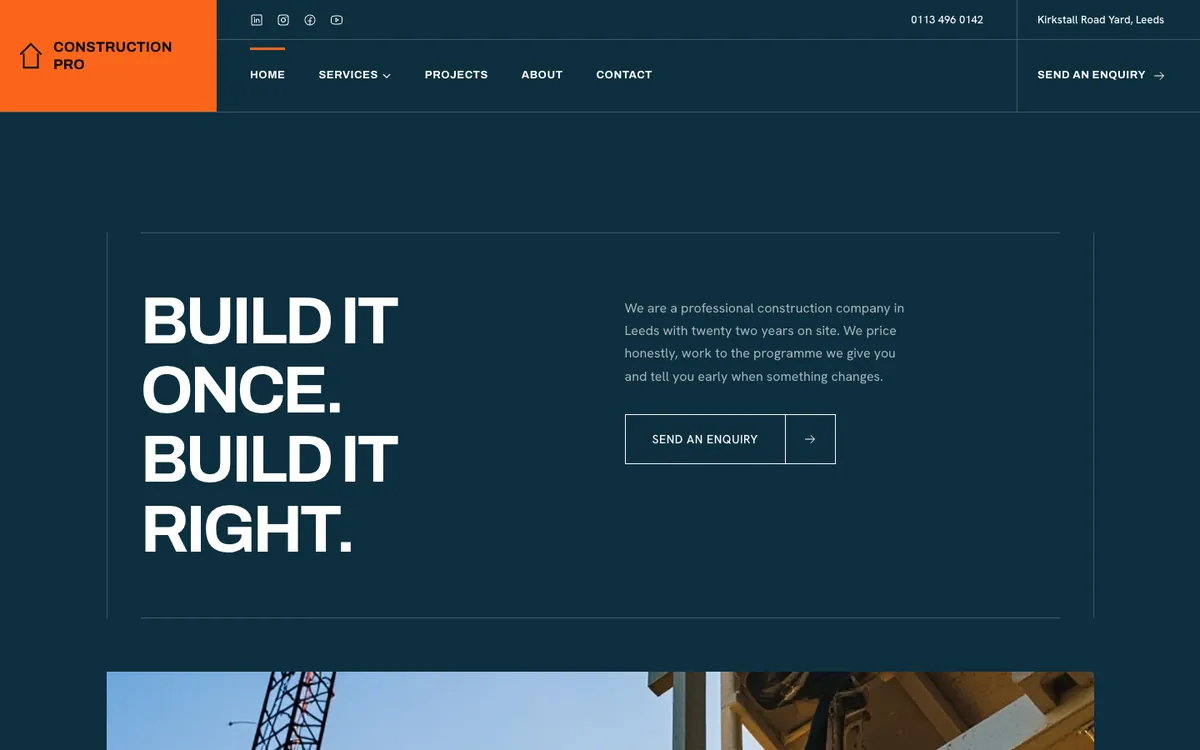
Construction Pro is a sample site Briks built for an example building contractor, not a customer. Open the sample - 02Jewellery studio
Commission enquiries into a client list
A jewellery studio adds a webhook for form received that sends each commission enquiry to the tool it keeps clients in. The email still arrives, and the studio still keeps the entry.
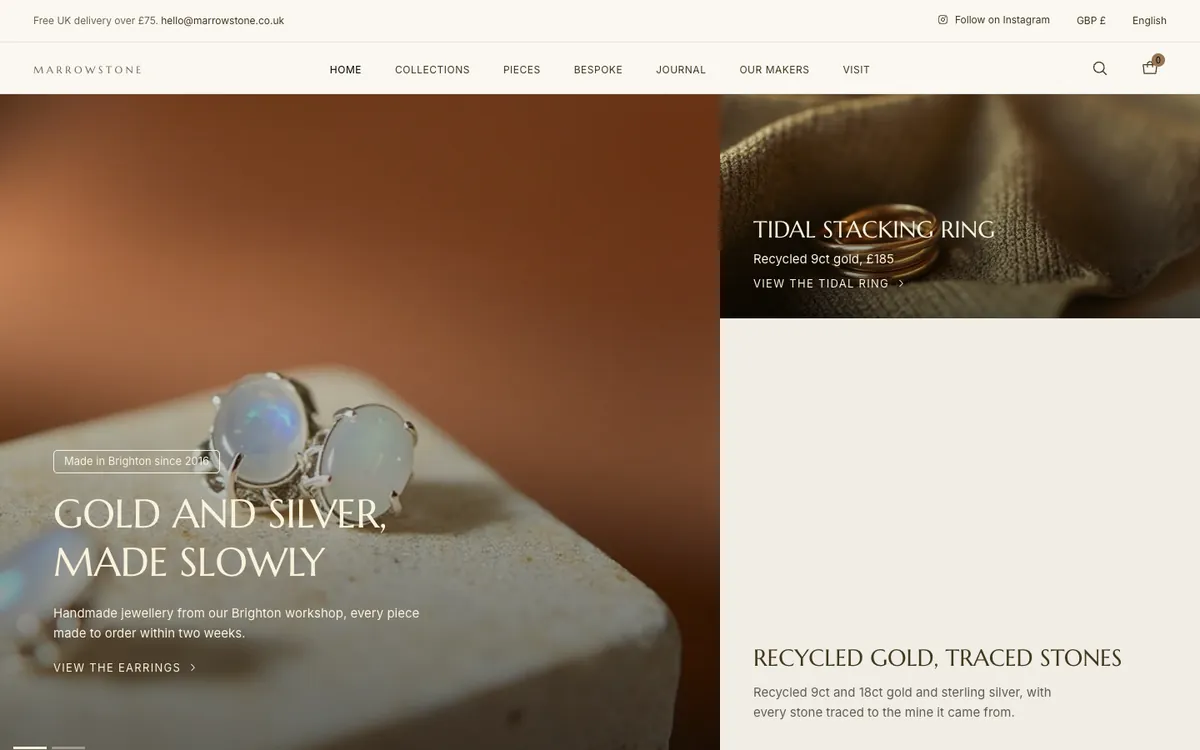
Marrowstone is a sample site Briks built for an example jewellery studio, not a customer. Open the sample - 03Psychology practice
Trying a form before launch
A practice tests its enquiry form on the preview with made-up names. The entries land in the studio, nobody is emailed, and nothing reaches the practice's inbox until the site is in production.

Calder Psychology is a sample site Briks built for an example psychology practice, not a customer. Open the sample
What you get
- Entries kept in the studio, newest first, the latest 100 shown
- Emailed to you once the site is in production
- Reply to the email to answer the visitor
- A webhook for each new entry, if you want one
Good to know
- Preview addresses keep entries but do not email them.
- Form entries cannot be exported today; a webhook can send each one to another tool.