How to build a business website with AI
Nine steps from a blank page to a live business site built with AI, with what to check at each one.
To build a business website with AI, gather your facts, describe the business and its one main action to an AI website builder, check the first version against a short list, then connect your domain and tell Google about it. The AI writes the pages and the code; the facts, the choices and the final check stay yours.
The steps below work with any AI website builder. Where a number says what business sites usually do, it comes from our count of 261 pages on 203 business websites. Briks is our builder, and where it does a step for you, that is said.
1. Decide the one thing a visitor should do
Book, call, ask for a quote, buy, visit. Pick one. It becomes the button in the bar at the top, which 248 of 261 pages in our count have, and the button at the end of the home page. A site that asks for everything gets nothing done.
2. Gather the facts the AI cannot know
An AI writes well and invents freely. Give it the facts and it uses them; leave them out and it fills the gaps with believable guesses. Before you start, write down:
- What you sell, with prices if you show them, and what is included.
- Where you work: the address, the area you cover and your opening hours.
- Proof: a few short quotes from customers, with their permission, client names, years in business or jobs done.
- How to reach you: phone, email and booking link.
- Pictures of the real thing: your shop, your team, your work. Most builders can make pictures, but your own are better proof.
3. Find a site you like
Pick one or two sites, from any trade, whose look you would be happy to have. Saying “like this one” tells an AI more about type, colour and spacing than a paragraph of adjectives. Some builders, Briks among them, read a site you name and build yours in its spirit, with your own words.
4. Choose a builder
The choice turns on three things: whether you will edit by dragging or by asking, whether you need bookings, a shop or members, and who keeps the site up after launch. Our guide to ten AI website builders for small business compares prices, domains and limits. To price the whole thing, domain and email included, see how much a website costs.
5. Write the brief
The brief is what you type into the builder. Four or five sentences beat one line. Say who the business is, who it serves, which pages you want, the main action and the tone. For example:
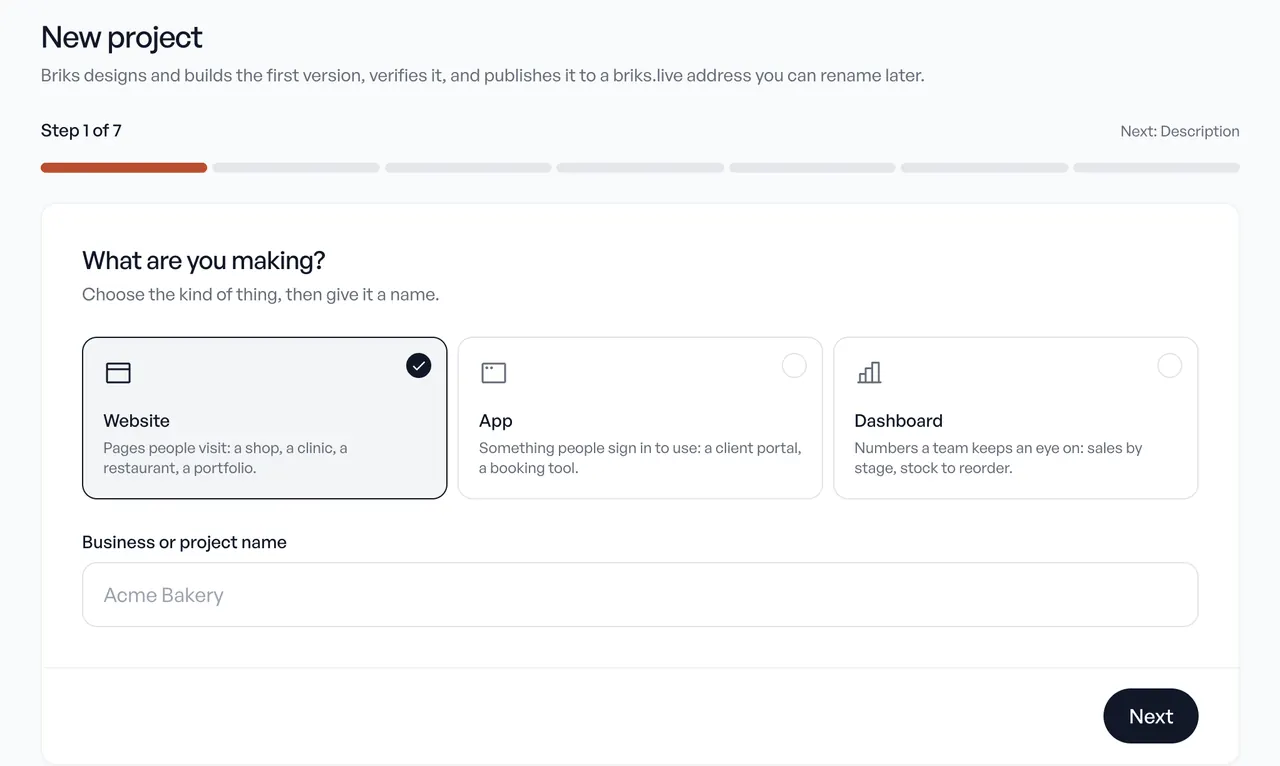
“Crumb & Co is a bakery in Leeds selling sourdough, pastries and celebration cakes, open Tuesday to Sunday from 8. Most visitors are locals ordering a cake for collection. Pages: home, menu with prices, cakes to order, visit us. The main action is ordering a cake. Warm and plain, no jargon.”
Briks asks which pages to make and what the brief leaves open before it plans anything, and our brief guide has six before and after examples.
6. Check the first version
Read the first version as a customer would, on your phone first. Our count gives a useful yardstick for a home page:
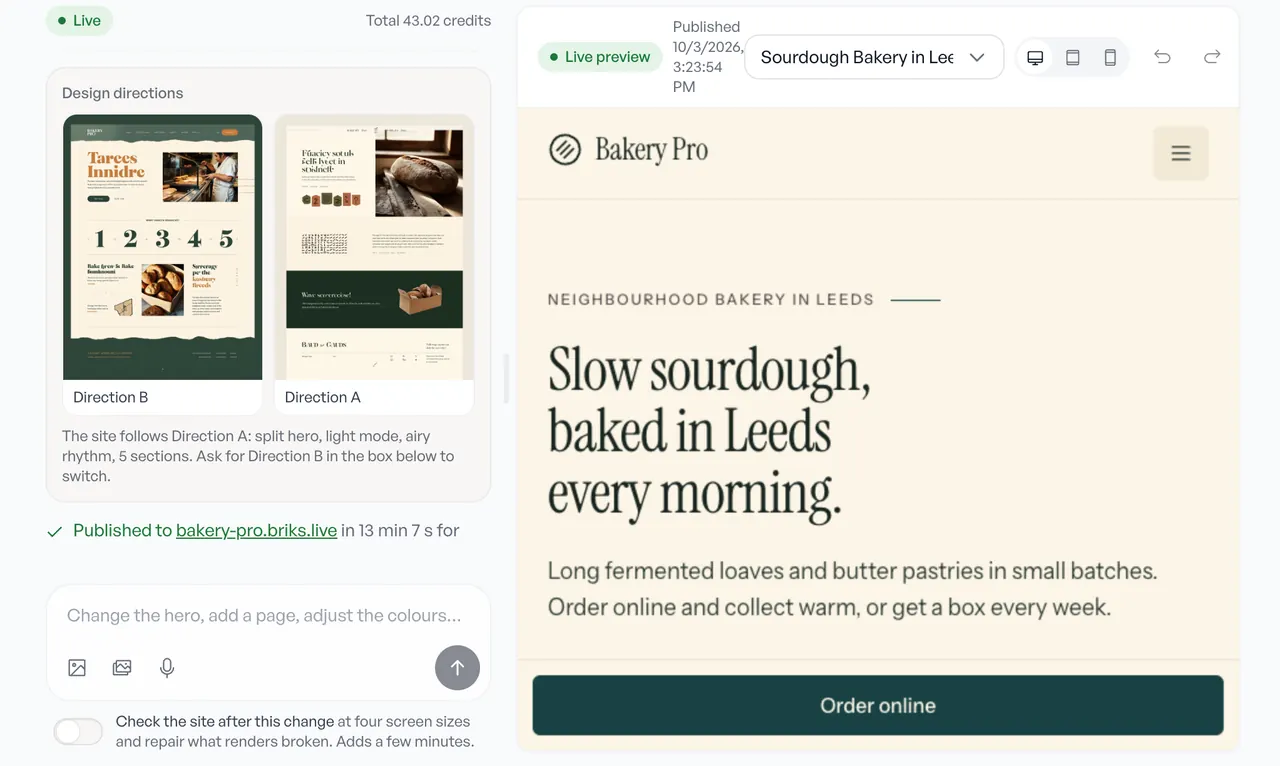
- About ten sections. The median home page has 10, not counting the top bar and footer, and half have 8 to 12.
- A clear first screen. 241 of 261 pages open with a hero: the headline and the main button.
- Proof. 131 of 160 home pages show customers' words, client logos or figures.
- About five links in the menu, plus the button.
- Facts that are true. Every price, address, hour and claim. This is the step people skip, and the one customers notice.
Change what is wrong by asking in plain words, such as “move the prices above the gallery” or “use our phone number in the header”. Many builders also let you edit text by clicking on it.
7. Connect your domain and email
Buy a domain in your business's name, if you have none, and connect it in the builder. It usually means adding two or three records at the company you bought it from; the builder lists them. Most builders set up the secure padlock by themselves once the records are in. Business email at your domain is usually a separate service.
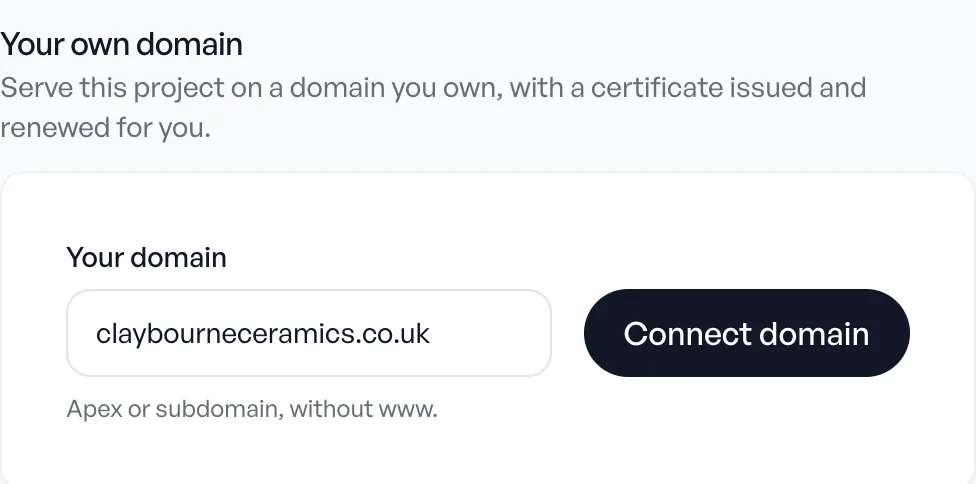
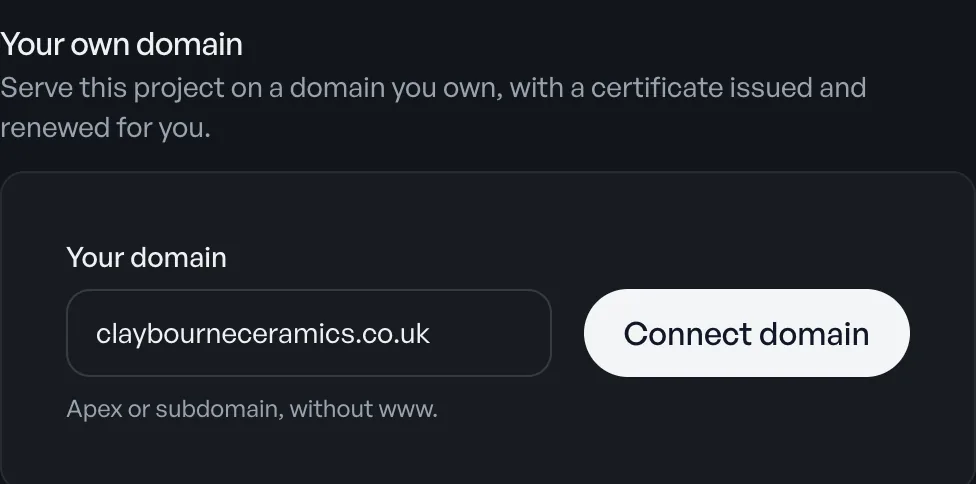
On Briks, your own domain comes with Starter, $16 a month, and the custom domains guide shows the three records and what each status means.
8. Tell search engines
- Check each page's title and description. The title should say what you do and where, such as “Celebration cakes in Leeds”.
- Add the site to Google Search Console and submit its sitemap, so Google finds every page.
- Claim your Google Business Profile with the same name, address and phone number as the site. It is what people see on Google Maps.
- Ask happy customers for reviews there, and answer them.
Every Briks site in production comes with titles, descriptions, a sitemap and structured data, and takes your Search Console code in Settings. See search engines.
9. Decide who keeps it up
A website needs small changes every month: a new price, a holiday closing, a new photo, a post. Decide now who does them. You can make them yourself by asking the builder, hire someone, or use a builder whose AI keeps working after launch.
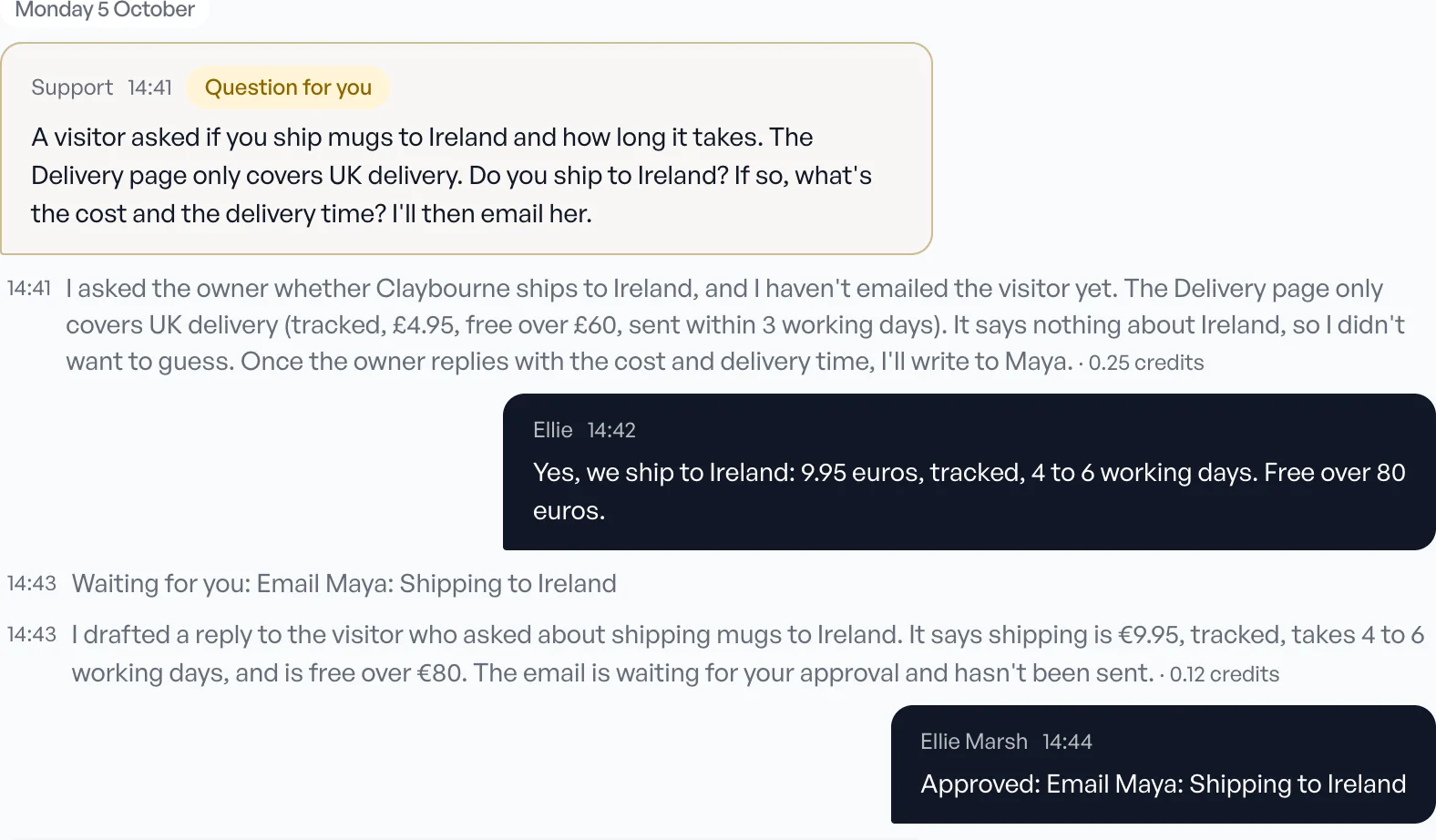
Durable, WordPress.com and Briks offer that last option. On Briks paid plans, AI agents handle jobs such as posts, social media, reviews and security checks, and each asks you before it acts.
Mistakes to avoid
- Publishing what the AI guessed. A wrong price or opening hour costs more than a plain design. Read every fact before you publish.
- Pictures that are not yours. Stock photographs of smiling strangers say less than one honest photograph of your shop or work.
- Five buttons on the first screen. Keep one main action; put the rest further down.
- A site that says nothing about where you work. For a local business, the town in the title, the headline and the footer helps both visitors and search engines.
- No way to change it. Before choosing a builder, make sure you can change a price in a minute yourself, or that someone will.
Quick answers
Who can build an AI website for my small business and manage it for me?
Builders whose AI keeps working after launch: Durable with AI agents, WordPress.com with an agent you message, and Briks with AI agents on paid plans that ask you before they act. You can also hire a designer who uses AI tools.
Is an AI-built website good for SEO?
It can be. Search engines care about fast pages, clear titles and useful, true words, not how the site was made. Check that your builder lets you edit titles and descriptions and makes a sitemap.
Can I move my site later?
Your domain always moves with you. The site itself depends on the builder: some export the code, others keep it on their platform.
How long does it take to build a website with AI?
The AI's first version takes minutes. Gathering your facts, choosing a site you like and checking the result take most of the time, often a day or two for a small business.
Do I need to know how to code?
No. You describe the business, choose between versions and ask for changes in plain words. Some builders also let you edit the code, but it is never required.
Can AI write the words on my website?
Yes, and it writes them quickly. Give it your facts and the way you speak to customers, then read every line: prices, places, claims and names must be yours and true.
Where to start
Write the facts from step 2 first; they work with every builder. To try Briks, start free with no card, or read your first site to see each screen.