How it works
Switch it on
Turn on email for your site in the studio.
Your site sends
Messages go out under your site's name.
Within your allowance
Each plan includes a monthly number of emails, shared by all your sites.
What site email is for
Some messages should come from your site itself: a confirmation to someone who just sent an enquiry, a receipt, a reply. Switch on site email and your site can send them under its own name, from an address at emails.briks.live made from the site's address. A site at hollyhock.briks.live sends from hollyhock@emails.briks.live.
It is for one person at a time. The same message sent to 20 or more different people in a day is refused, because site email is not for newsletters or mailings. That rule protects the sending reputation every Briks site shares.
Replies to your site's email reach the project's owner, or another verified address you choose in the settings.
Allowances by plan
Every plan includes a monthly allowance of emails, shared by all your sites: 300 on Free, 2,000 on Starter, 5,000 on Pro, 15,000 on Studio and 50,000 on Agency. The count starts again on the 1st of each month.
The studio shows how many your sites have sent this month against the allowance, and how many came from each. Once it is used, none of your sites can send more email until the count starts again on the 1st.
Before you rely on it, send a test email from the settings. It goes only to you, at your own verified address, and to nobody else.
What it does not do
Site email does not send from your own domain. Messages come from your site's name at emails.briks.live. If a message must come from your own domain, send it from your own mailbox.
It is off by default. Nothing is sent until you switch it on in the site's settings, and you can switch it off at any time. The one exception is a site with accounts for its visitors: sending is switched on for it, unless you have set it yourself, so sign-up confirmations and password resets can go.
It is separate from the emails Briks sends you. Form entries reach you once the site is in production, and questions from the chat reach you whenever the chat is on, whether or not site email is switched on.
Good messages to send, and where replies go
The best site emails are short and expected: a thank you for an enquiry with when you will reply, a confirmation of the date someone asked about, a receipt. Each goes to one person, because each is about one person.
Choose where replies go. By default they reach the project's owner; in the settings you can pick another verified address instead, such as a shared enquiries inbox the whole team reads.
Keep an eye on the count in busy months. When a site gets close to its allowance, a larger plan raises it, and the count starts again on the 1st in any case.
Email from your site in practice
Three example businesses, and how each would use it. Where a site is pictured, it is a sample Briks built for an example business, not a customer.
- 01Bed and breakfast
A confirmation for every enquiry
A B&B wants each guest who sends a dates enquiry to receive a short note: thank you, we will reply within a day. Each one goes out under the B&B's name, one guest at a time, well within the Free plan's 300 a month.
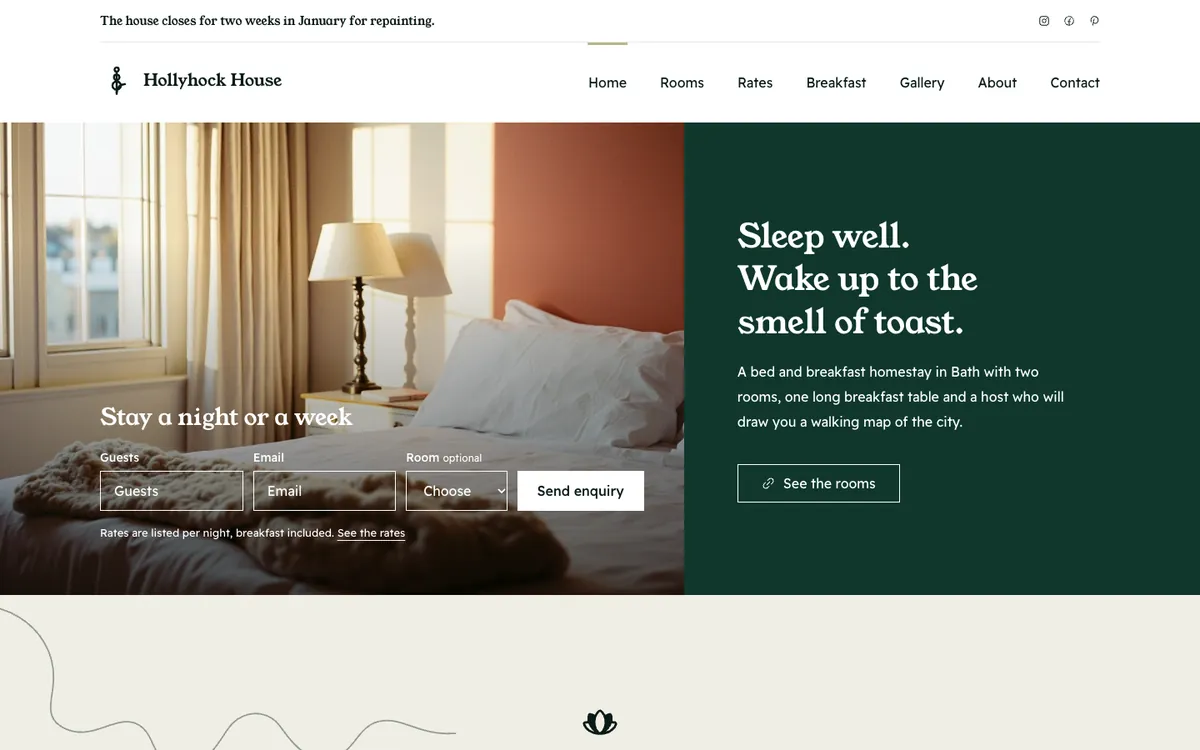
Hollyhock House is a sample site Briks built for an example bed and breakfast, not a customer. Open the sample - 02Pottery studio
Class confirmations in a busy month
A pottery studio's class enquiries each get a confirmation with the class date and what to bring. In the run-up to Christmas that comes to a few hundred emails, so the studio moves to Starter and its 2,000 a month.
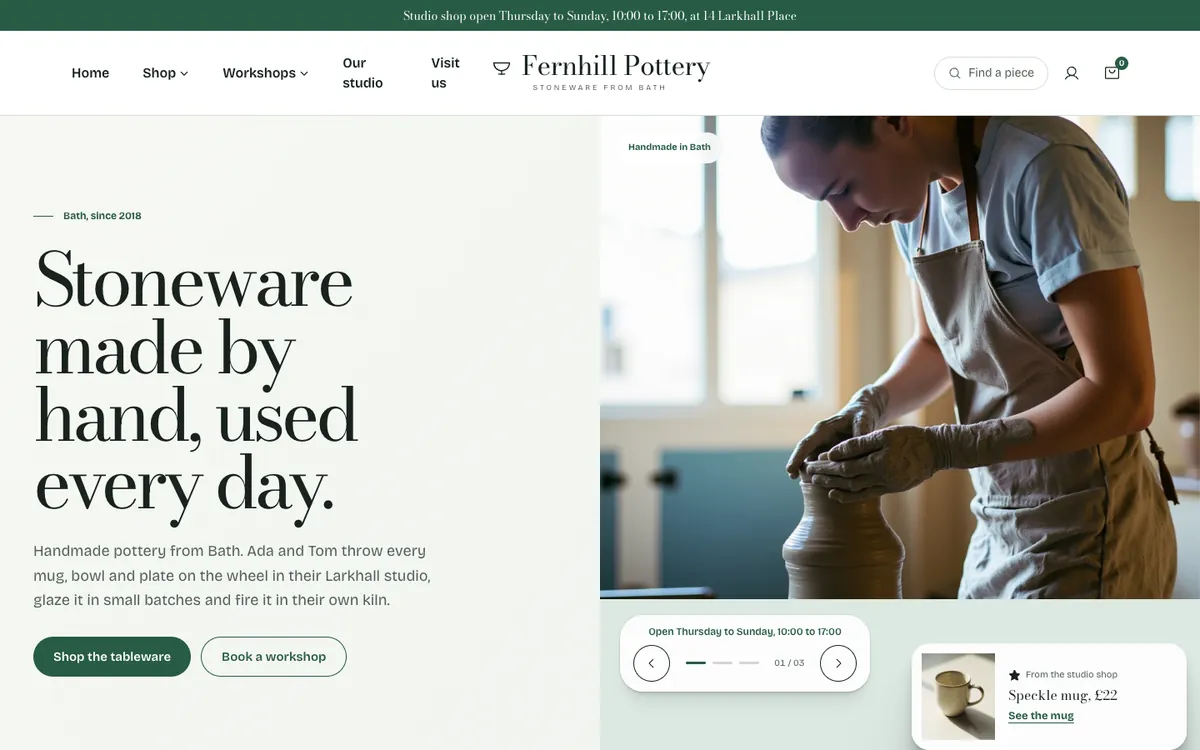
Fernhill Pottery is a sample site Briks built for an example pottery studio, not a customer. Open the sample - 03Candle maker
Why a newsletter is refused
A candle maker tries to send her spring offer to everyone who ever enquired. The same words to 20 or more people in a day are refused, so she sends newsletters from a mailing service and keeps site email for one-to-one replies.
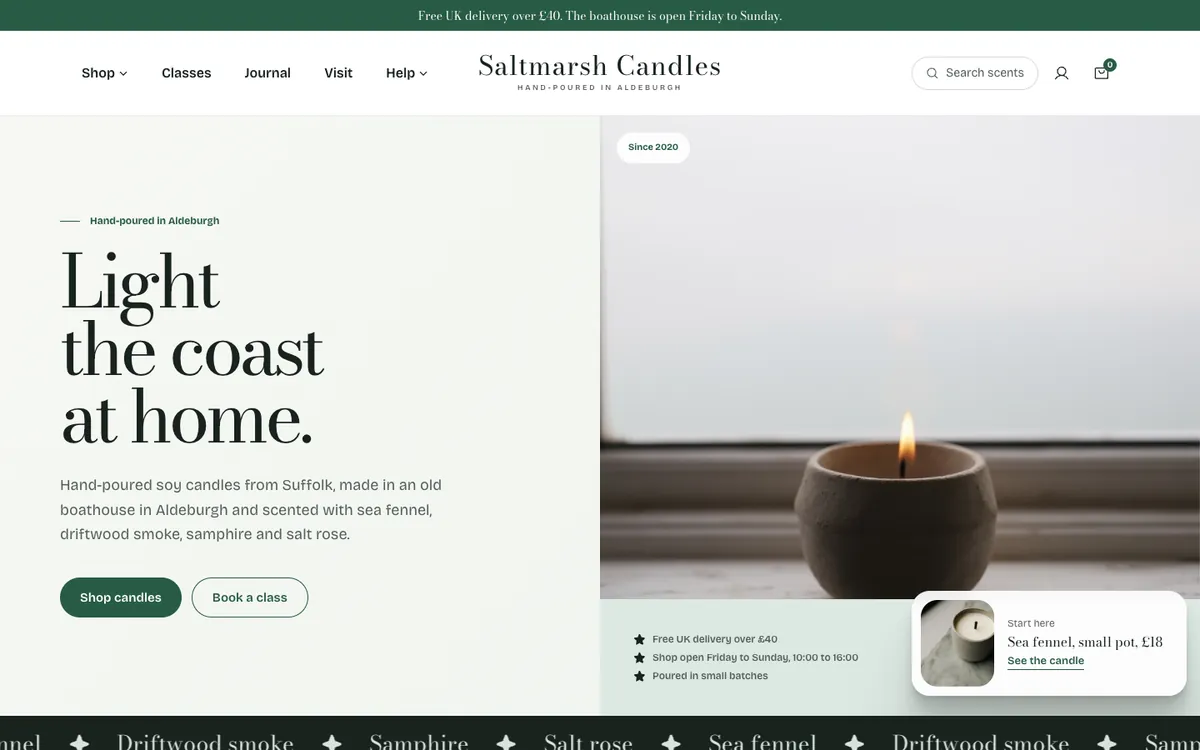
Saltmarsh Candles is a sample site Briks built for an example candle maker, not a customer. Open the sample
What you get
- Sends under your site's name from a briks address
- 300 a month on Free, 2,000 on Starter, 5,000 on Pro, more on larger plans
- One person at a time: confirmations, receipts and replies
- A test email that only ever goes to you
- Off until you switch it on, unless the site has visitor accounts