How it works
Schedule a job
Run a task at the times you choose.
Add a webhook
Tell another tool the moment something happens.
Pick the events
Site published, form received or record changed.
Scheduled jobs
A scheduled job calls an address on a schedule you set. Point it at one of your site's own /api/ paths, or at any public https address, and choose GET or POST. Give it a name so you know what it is for.
Schedules use the five fields most schedulers read: minute, hour, day of the month, month and day of the week. Type one, or start from a preset: every 5 minutes, every hour, every day at 09:00, Mondays at 09:00, or the first of the month. Each job runs in the time zone you choose, and the studio shows when it will run next.
Clock changes are handled for you. A time that happens twice when the clocks go back runs once, and a time the clocks skip runs at the first moment after the change, so a daily 02:30 job never goes missing. Pause and resume a job with a switch.
Webhooks
A webhook tells another tool the moment something happens on your site. There are three events: the site published a new version, a visitor sent a form, or a record in the database was added, changed or deleted. Give the address to send to, and a note of what it is for.
Every delivery is signed with a secret that is shown to you once, so the receiving tool can check it came from your project. If the receiver is down, Briks tries again: up to five attempts in all, about 30 seconds, 2 minutes, 8 minutes and 32 minutes apart, with the same delivery id each time so repeats can be skipped.
Send a test event to check your receiver, see how each delivery went in the studio, and make a new signing secret whenever you need one: the old secret stops working at once.
Allowances by plan
Each project can have 1 job and 1 webhook on Free, 5 of each on Starter, 10 on Pro, 25 on Studio and 50 on Agency.
Calls are counted by the day, in UTC: each job run and each delivery attempt is one call. A project can make 2,000 a day on Free, 5,000 on Starter, 10,000 on Pro, 50,000 on Studio and 100,000 on Agency.
Addresses must be public. Private network addresses are refused when you save a job or a webhook, and checked again on every call.
What people use them for
Jobs suit anything that should happen on a timetable: a morning summary of yesterday's enquiries, a nightly tidy of old records, a weekly call to another tool that refreshes a list.
Webhooks suit anything that should happen the moment something changes: a new row in your client list when a form arrives, a message to your team when a new version goes live, an updated catalogue when a record changes.
A job calls an address; it does not do the work itself. The address has to exist and answer, whether it is a path on your own site or a public address of another tool.
Scheduled jobs and webhooks in practice
Three example businesses, and how each would use it. Where a site is pictured, it is a sample Briks built for an example business, not a customer.
- 01Psychology practice
A weekday morning job
A practice has its site's own /api/ path that sends the manager a list of yesterday's enquiries. A scheduled job calls it every weekday at 08:00 in the practice's time zone, and stays on time through the clock changes in spring and autumn.

Calder Psychology is a sample site Briks built for an example psychology practice, not a customer. Open the sample - 02Building contractor
Quote requests into the office's tools
A building firm adds a webhook for form received that sends each quote request to the spreadsheet tool its office uses. If that tool is briefly down, Briks keeps trying for about 40 minutes.
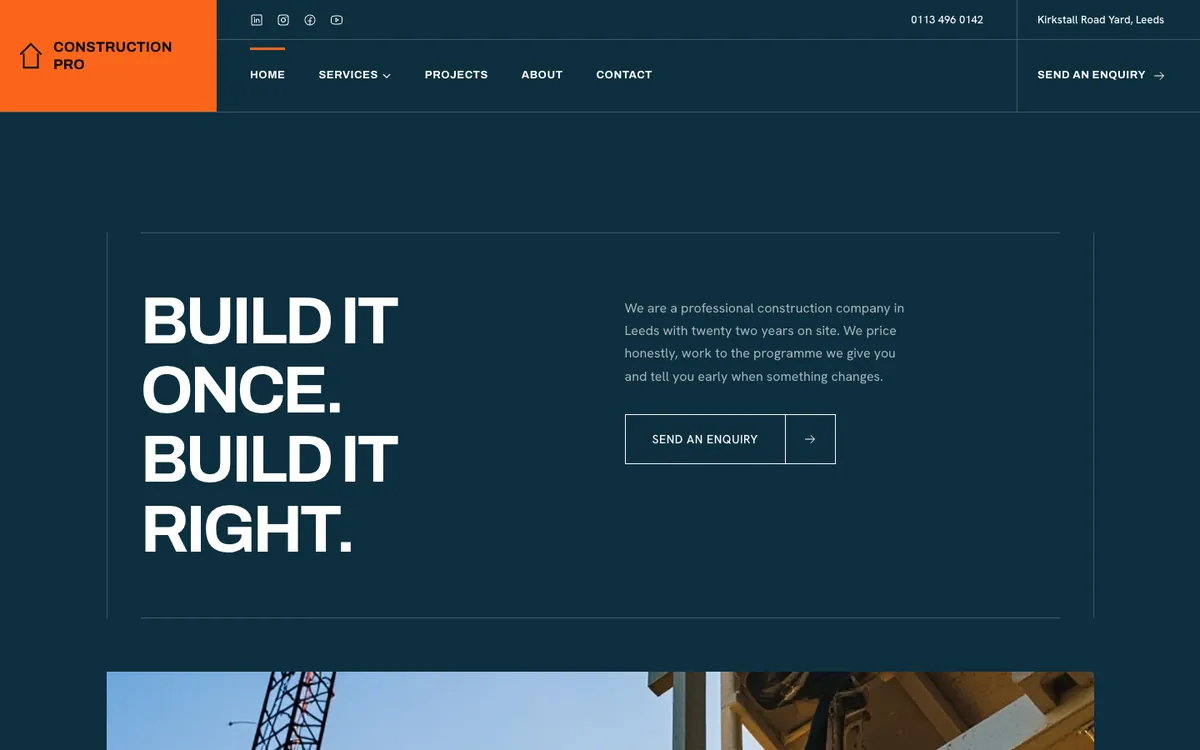
Construction Pro is a sample site Briks built for an example building contractor, not a customer. Open the sample - 03Saree store
A catalogue that keeps up
A saree store keeps its collection as records. A webhook for record changed tells its catalogue tool whenever a saree is added or its price changes, and another for site published lets the team know each time a new version goes live.

Saree Shop is a sample site Briks built for an example saree store, not a customer. Open the sample
What you get
- 1 job and 1 webhook per project on Free, 5 each on Starter, 10 on Pro, 25 on Studio, 50 on Agency
- Events: site published, form received, record changed
- Schedules in your own time zone, with presets
- Signed deliveries, retried up to five times