How it works
Switch it on
On a paid plan, turn on nightly copies in your site's database settings.
Copied every night
Your records are copied while your visitors sleep.
Kept for 30 days
Download a copy from the last month if you need it.
What a nightly copy is
Nightly copies come with every paid plan. Switch them on in your site's database settings and Briks copies the whole database every night. Each copy is kept for 30 days and then removed, so at any time you have up to a month of nights to choose from.
Each copy can be downloaded from Backups. It is a complete copy taken that night, so it stands on its own, apart from the live database and anything that happens to it afterwards.
Copies count towards your plan's storage: 5 GB on Starter, 10 GB on Pro, 25 GB on Studio and 100 GB on Agency.
How it fits with your other backups
Your site has three safety nets, each for a different mistake. Versions keep every published state of your pages. The database's own history lets an Owner or Admin take the records back to any minute within it, or to a restore point you named. Nightly copies keep a full copy of the records for 30 days, as files you can download and keep.
Use the history for a mistake you notice soon after it happens. Use a nightly copy when you want a file of your records to keep somewhere else, or to check what they held on a given night.
Pages are not in the nightly copy, because every published state of them is kept as a version already.
When to switch it on
If your site keeps records you could not easily type in again, such as a product list, a class timetable, enquiries you track, or a portfolio, switch nightly copies on. It is off by default.
On a paid plan, anyone with edit rights can switch it on, in the Backups part of the Database tab. Switching it off works on any plan.
Nightly copies sit beside, not instead of, downloads. On the same paid plan you can download every collection as JSON, or one as CSV, at any moment you like.
Getting your records back after a mistake
Say a team member clears the wrong collection on a Tuesday afternoon. The quickest way back is the database's own history: an Owner or Admin opens Backups in the Database tab, chooses a moment just before the mistake, in their own time zone, and restores it.
If you only notice weeks later, or you want to look before you restore anything, download the copy from the night before the mistake instead. It shows the records exactly as they were that night, without touching the live database.
Then decide what to do with what you found. Type a handful of records back in the Database tab, or, for a bigger loss within the history, restore the database to the moment before it. And save a named restore point before your next big edit, so going back is quicker still.
Nightly database copies in practice
Three example businesses, and how each would use it. Where a site is pictured, it is a sample Briks built for an example business, not a customer.
- 01Pottery studio
A class list, copied every night
A pottery studio's site keeps its class dates and places as records. The owners switch on nightly copies, so if a busy week of edits goes wrong there is a full copy from every night of the last month.

Fernhill Pottery is a sample site Briks built for an example pottery studio, not a customer. Open the sample - 02Travel company
What did that itinerary say last week?
A travel company rewrites a tour's itinerary and later wonders what the old one said. It downloads the copy from the night before the change and looks it up.

Voyara Journeys is a sample site Briks built for an example travel company, not a customer. Open the sample - 03Web design studio
A monthly archive for each client
A web design studio downloads one nightly copy at the end of each month for every client site with a database, and files it with the client's records.
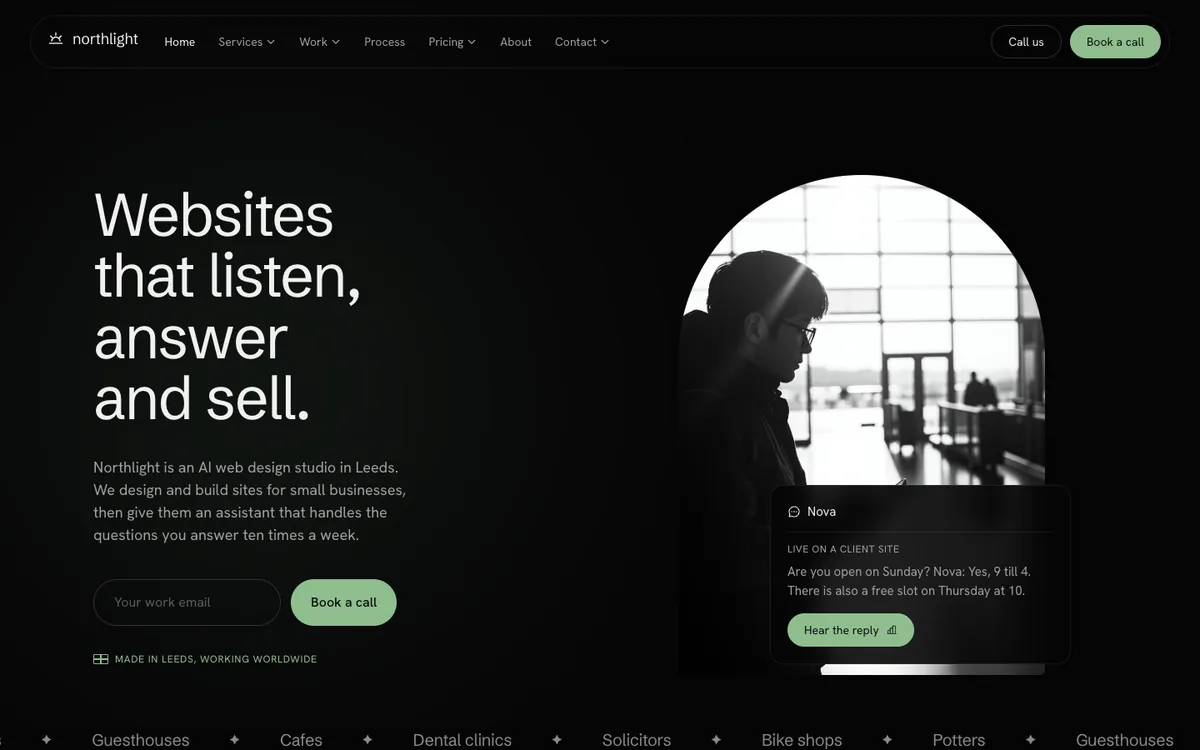
Northlight Studio is a sample site Briks built for an example web design studio, not a customer. Open the sample
What you get
- On every paid plan
- A copy of the whole database every night
- Each copy kept for 30 days, downloadable from Backups
- Counts towards your plan's storage
- Off until you switch it on