How it works
Switch it on
Choose to pick a look in the new-project steps.
Compare three looks
Each shows colours, type and buttons with your business's words in them.
Pick one
The whole site is built in the look you chose.
Three looks, drawn for your business
Switch this on and, before anything is built, Briks shows three looks side by side. Each is a board: the colours, the two typefaces, the corner style, a button and a card, all set with your own home page words, so you judge the look on your business rather than on placeholder text.
The three are distinct on purpose. Nordic and clean is quiet and airy: a pale ground, black type, square corners and plenty of space. Warm changes with your trade: for a business that works with its hands, such as a bakery, a florist or a joiner, it is cream and olive with a soft serif and rounded corners; for others it is warm paper tones, a characterful serif and one bright accent. Bold is loud and cheerful: a saturated accent, chunky rounded type and big soft corners.
No picture is drawn. The boards are made from the same colours and type the site will use, so what you pick is what gets built.
Why choose before the build
Some owners would rather react to a finished site and adjust it. Others know at once that a loud, bold site is wrong for a family dentist, and want to rule it out before the site is built. Pick a look is for the second kind.
Choosing first also settles disagreements early. If two partners in a business see style differently, three concrete boards with your own words on them make the conversation short. The whole site is then built in the look you chose: pages, buttons, cards and menus alike.
The build waits in the studio until you pick. Two similar stops can be switched on in the same place: approving the site's words before it is built, and, where it is offered, choosing the first screen of the home page from four plain grey layouts.
When it is not offered
Pick a look is off by default. Most people prefer to see a finished first version and change it in plain words, so the build goes straight through unless you ask it to stop and wait.
It is not offered when you build from a site you like, because that site already sets the look, and it is not offered for dashboards.
The look is not locked after the build. Ask for a darker header, a different accent or rounder buttons in the studio chat, and each change is saved as a version you can undo.
Pick a look in practice
Three example businesses, and how each would use it. Where a site is pictured, it is a sample Briks built for an example business, not a customer.
- 01Dental clinic
A family dental clinic rules out bold
The practice manager switches on Pick a look and sees three boards with the clinic's own headline on them. Bold is too loud for nervous patients and Warm feels like a café, so she picks Nordic and clean. The whole site, from the enquiry form to the footer, is built in that look.
- 02Bakery
A bakery sees the maker's version of Warm
Because the brief is about bread, the Warm board comes out in cream and olive with a soft serif: the version of Warm made for businesses that work with their hands. The owner compares it with Bold, picks Warm, and a week later asks in the chat for a slightly darker olive.
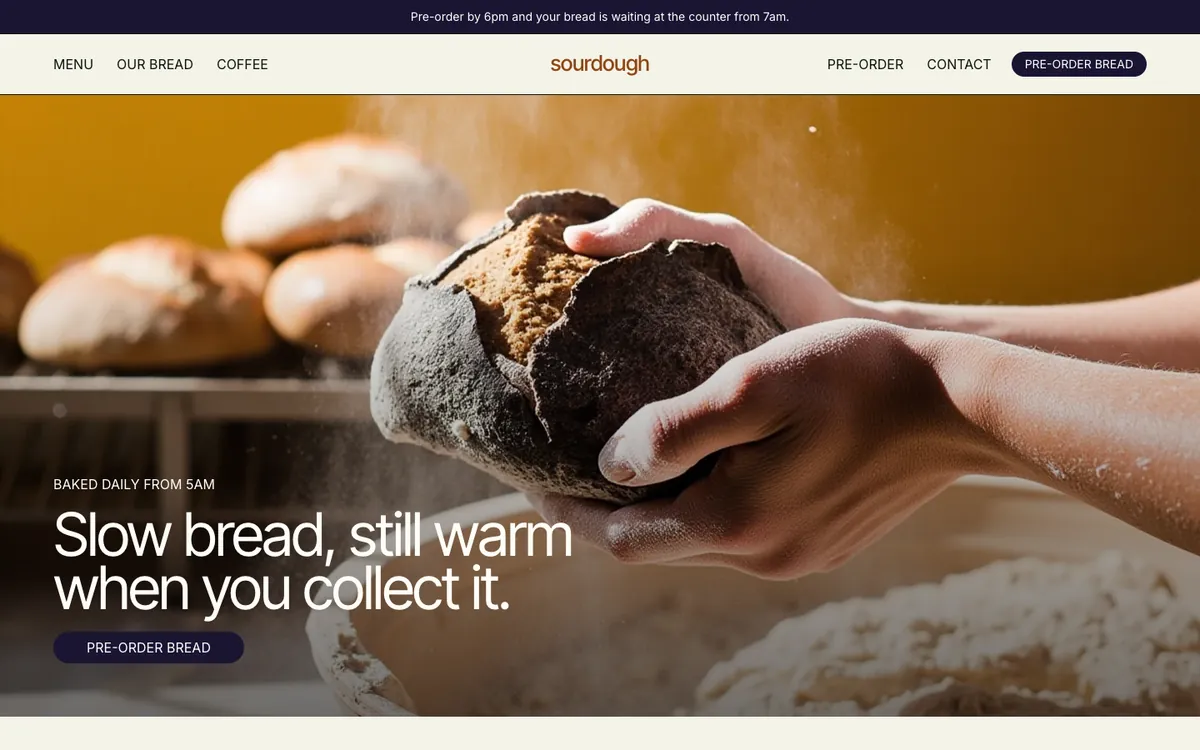
Sourdough is a sample site Briks built for an example bakery and coffee shop, not a customer. Open the sample - 03Fitness studio
A fitness studio that wants energy
A new studio wants to reach younger members as well as regulars. The owner picks Bold for its strong accent and rounded type. After launch she asks, in plain words, for the class times to sit higher on the home page, and the change is built as a new version.
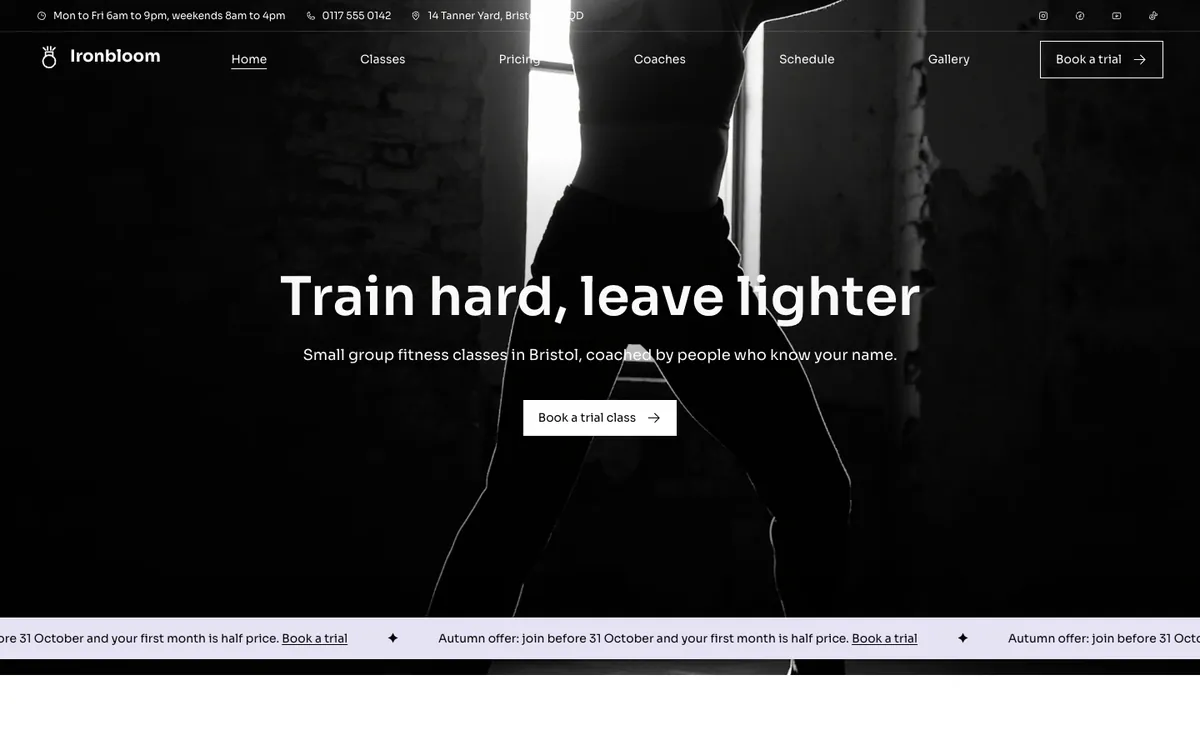
Ironbloom is a sample site Briks built for an example fitness studio, not a customer. Open the sample
What you get
- Three looks drawn for your business: Nordic and clean, Warm, Bold
- Colours, type, corners, a button and a card set with your words
- Drawn from the same colours and type the site will use
- Off by default: switch it on when you want it
Good to know
- Not offered when you build from a site you like, because that site sets the look.
- Not offered for dashboards.