How it works
It plans the month
On the 25th, next month's themes, with the drafts for each.
You approve once
Approve the month in one go, or change any part in plain words.
It reports back
Which channels brought visits and enquiries, and what to do more or less of.
Next month, planned on the 25th
Every month on the 25th, the Marketing agent drafts the month ahead. It starts from what it knows about your business, the season, local dates such as holidays and events in your area, the offers and events on your site, and what worked last month.
The plan is a set of themes, and each theme comes with its drafts: posts for your connected accounts and, where it helps, a banner or an offer page that the Builder makes for your site.
You approve the month once. If something is off, say so in plain words, such as "skip the half-term post, we are closed that week", and the plan changes before anything is scheduled. Every Monday at 09:00 it then prepares that week's part of the plan.
One idea becomes a whole campaign
Add an offer or an event to your site's records, or tell the agent about one, and it turns that idea into a set that works together: posts over the campaign's days and, when it helps, one page on your site for them to point to.
Every link to your site is tagged with the platform and the campaign's name, so each visit is counted where it came from. When the campaign ends, the agent reports what it brought, channel by channel.
When a Social agent works on the same project, Marketing plans the themes and leaves the weekly posts to it, asking for posts itself only for a campaign.
Results in plain words, and lines it never crosses
Each month the agent writes a short report: which channels brought visits and enquiries, how that compares with last month, and what to do more of or less of. It reads visits and enquiries rather than likes, because those are what turn into customers.
It never invents a figure, a testimonial or a review. It never spends money on ads, never emails anyone who did not agree, and never asks only happy customers for reviews.
Business Profile posts and newsletters are next
Today the Marketing agent works with X and LinkedIn profiles. Google Business Profile posts arrive once Google has approved Briks's access.
Newsletters are built to go only to contacts who agreed to hear from you, with your business's address and a one-click unsubscribe in every email. They arrive once Briks's own sending is switched on, or through your own Mailchimp or Klaviyo account once those connections have passed our tests.
Marketing agent in practice
Three example businesses, and how each would use it. Where a site is pictured, it is a sample Briks built for an example business, not a customer.
- 01Bakery
An open day in one approval
A bakery plans an open day for a Saturday in spring and adds it to her site's events. The agent drafts posts for X and LinkedIn for the fortnight before and an open day page for them to link to. She moves one post to Thursday and approves the rest.
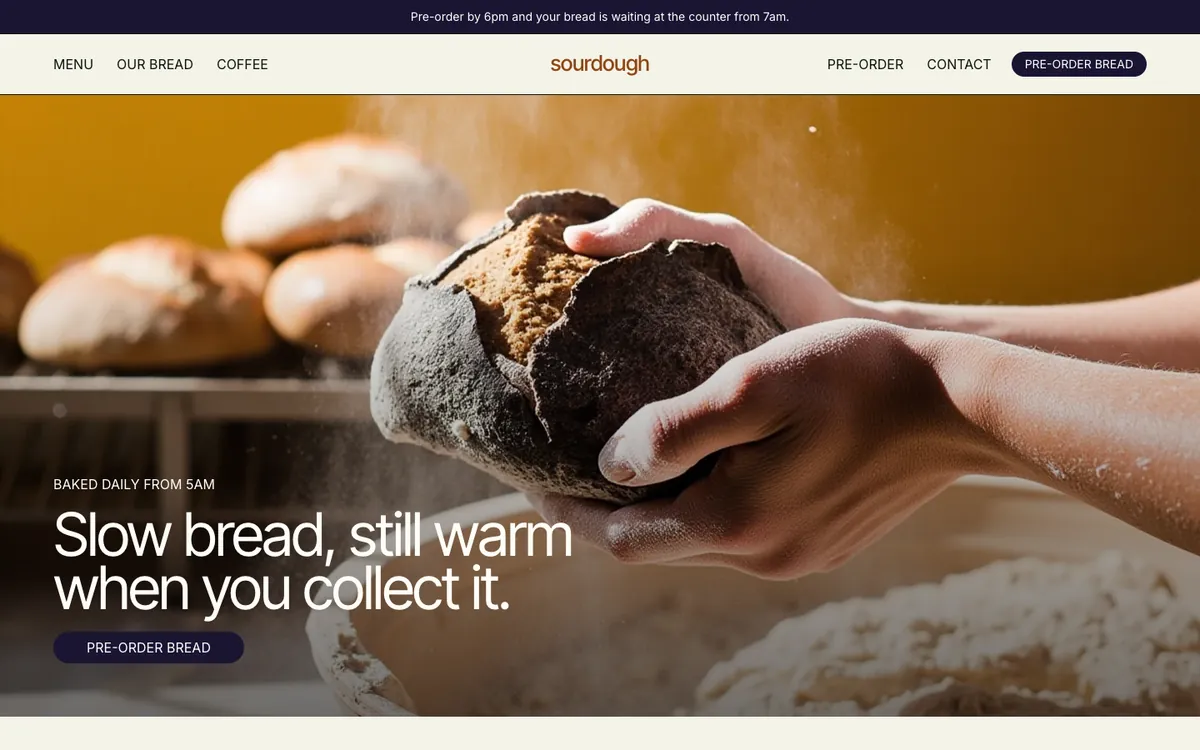
Sourdough is a sample site Briks built for an example bakery and coffee shop, not a customer. Open the sample - 02Pottery studio
A quiet January, planned in December
A pottery studio's January is always slow. The agent's plan for the month leans on the new year: a beginners' course for people with resolutions, with a post for each class date. The owners take out one post and approve the month.
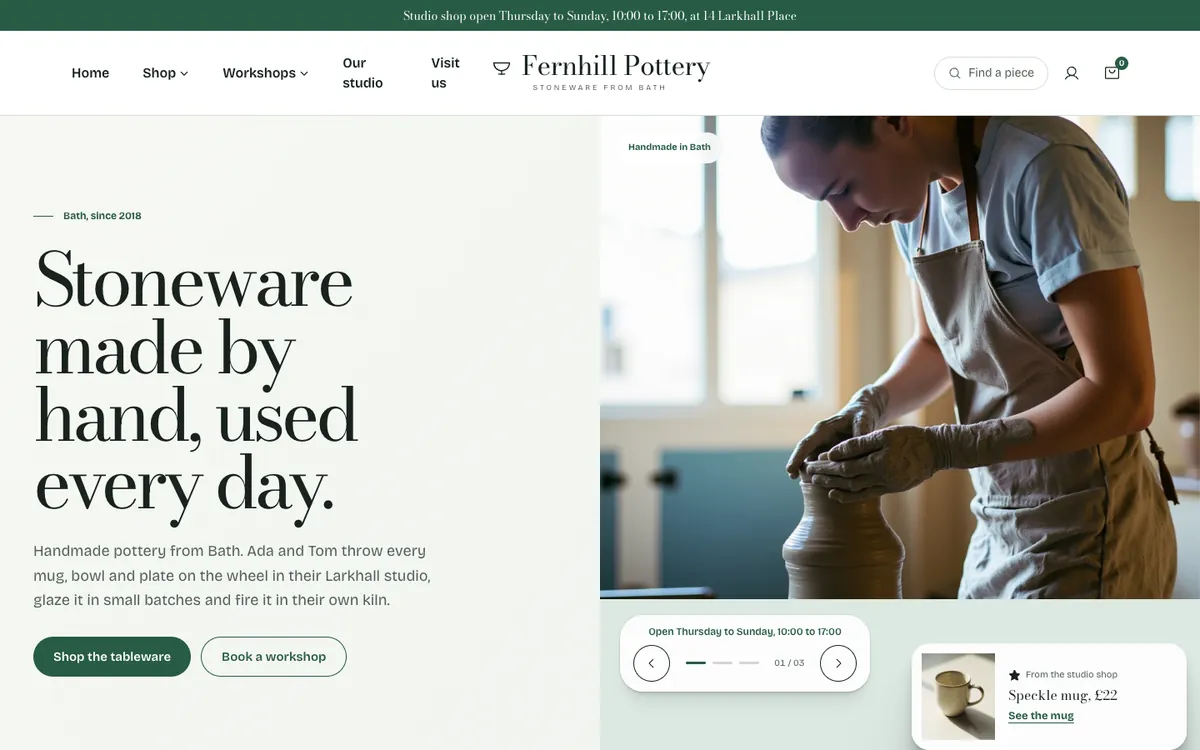
Fernhill Pottery is a sample site Briks built for an example pottery studio, not a customer. Open the sample - 03Accountancy practice
A report that moves the plan
An accountancy practice's monthly report says its LinkedIn posts brought more enquiries than its posts on X, and that most enquiries arrived on Mondays. The next month's plan moves its weekly post to Monday mornings, and the practice manager approves it.
What you get
- A monthly plan on the 25th, approved once
- This week's part of the plan every Monday at 09:00
- Offers and events on your site turned into campaigns
- Every link tagged; results as visits and enquiries
- X and LinkedIn today; Business Profile and newsletters next
- No ads, no invented figures, no email without consent
Good to know
- Works with X and LinkedIn profiles today.
- Business Profile posts arrive once Google has approved Briks's access, and newsletters once sending is switched on.